1
281984-001.book Page 13 Thursday, September 26, 2002 5:05 PM
Scheduling
Use Tasks
You use Tasks to:
■
Create new tasks
■
Set a reminder for a task
■
Delete a task
■
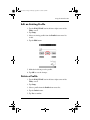
Sort your task list by category, status, priority, subject, start
date, and due date
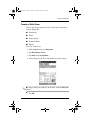
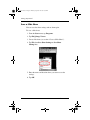
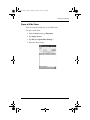
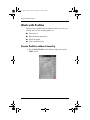
Create a Task
You can create a task from the Today screen.
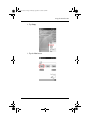
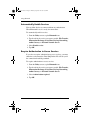
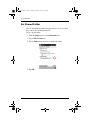
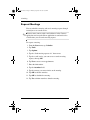
To create a task:
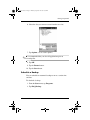
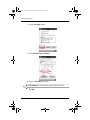
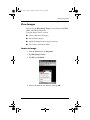
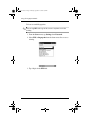
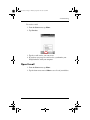
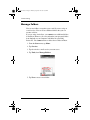
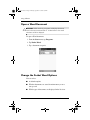
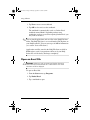
1. From the Start menu, tap Programs.
2. Tap Tasks.
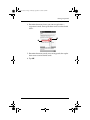
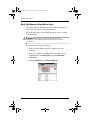
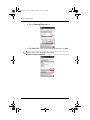
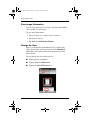
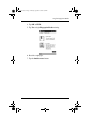
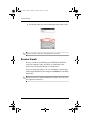
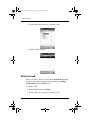
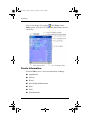
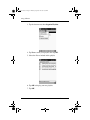
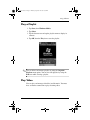
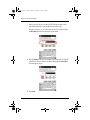
3. Tap New to create a new task.
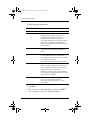
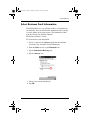
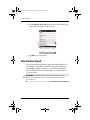
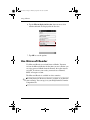
4. Enter a subject or select from the Subject drop-down list.
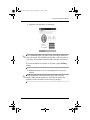
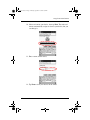
5. Tap any item to enter additional information.
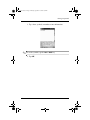
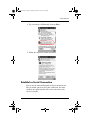
6. Tap Due to add a due date for the task.
Reference Guide
8–13