1
ES42 Series Edge Switches
Installation and User Guide (05/05)
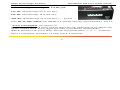
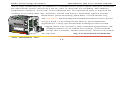
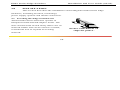
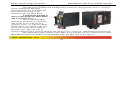
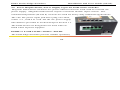
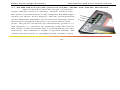
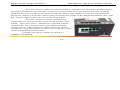
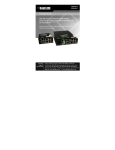
the DC leads to the ES42H’s power terminals, positive (+) and negative (-) screws. The use
of Ground (GND) optional; it connects to the ES42H chassis. Ensure that each lead is
securely tightened from the top, as shown on above picture with arrow.
NOTE: Always use a voltmeter to measure the voltage of the incoming power supply
and figure out the +ve potential lead or -ve potential lead. The more +ve potential lead
will connect to the post labeled “+ve” and the rest to the “-ve”.
The GND can be hooked up at the last.
When power is applied, the green PWR LED will illuminate.
3.8 Connecting Ethernet Media
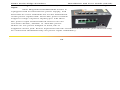
The Magnum ES42-Series Edge Switches can be connected to two media types
i.e. fiber and copper (RJ-45) types, runt at 100BASE-TX, 10BASE-T and 100BASE-FX
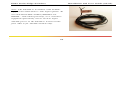
only. CAT 5 cables should be used when making 100BASE-TX connections. When the
www . GarrettCom . com
48