1
GPS Navigation
Flight
Instruments
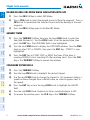
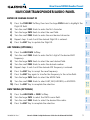
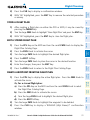
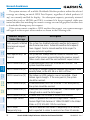
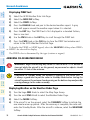
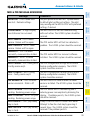
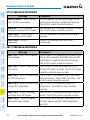
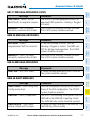
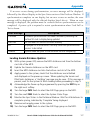
STOP NAVIGATING A FLIGHT PLAN
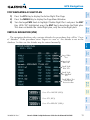
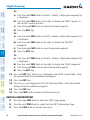
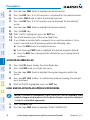
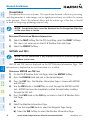
1) Press the FPL Key to display the Active Flight Plan Page.
2) Press the MENU Key to display the Page Menu Window.
AFCS
GPS Nav
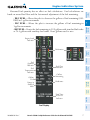
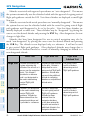
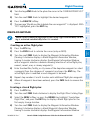
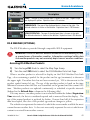
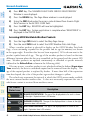
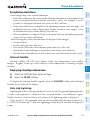
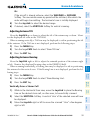
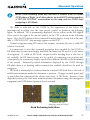
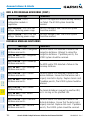
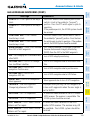
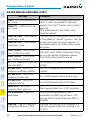
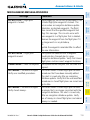
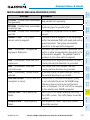
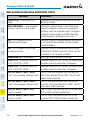
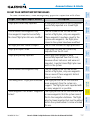
The navigation database only contains altitudes for procedures that call for “Cross
at” altitudes. If the procedure states “Expect to cross at,” the altitude is not in the
database. In this case the altitude may be entered manually.
Nav/Com/
XPDR/Audio
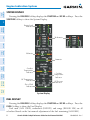
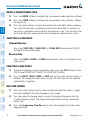
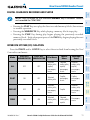
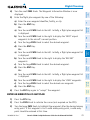
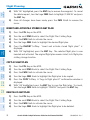
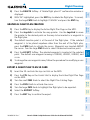
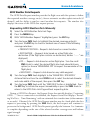
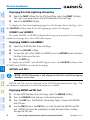
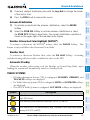
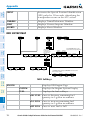
VERTICAL NAVIGATION (VNV)
EIS
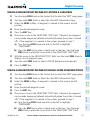
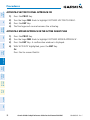
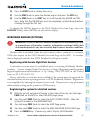
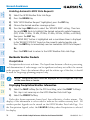
3) Turn the large FMS Knob to highlight ‘Delete Flight Plan’ and press the ENT
Key. With ‘OK’ highlighted, press the ENT Key to deactivate the flight plan.
This does not delete the stored flight plan, only the active flight plan.
Flight
Planning
Procedures
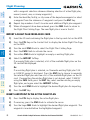
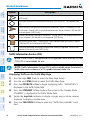
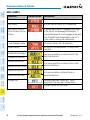
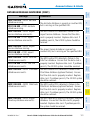
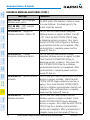
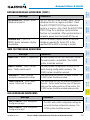
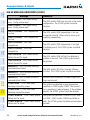
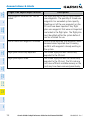
Large White
Text
Large Light
Blue Text
Hazard
Avoidance
Small Light
Blue Text
Additional
Features
Small Light
Blue Subdued
Text
Abnormal
Operation
Small White Text
with Altitude
Restriction Bar
Annun/
Alerts
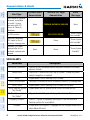
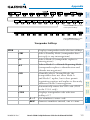
Cross AT or ABOVE 5,000 ft
Appendix
Cross AT 2,300 ft
Cross AT or BELOW 3,000 ft
Index
190-00963-02 Rev. C
Garmin G1000 Cockpit Reference Guide for the Diamond DA42NG
19