1
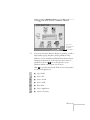
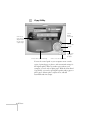
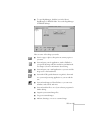
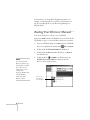
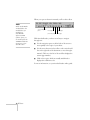
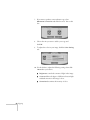
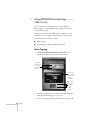
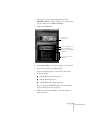
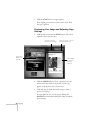
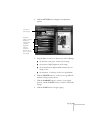
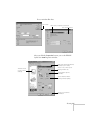
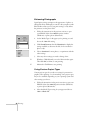
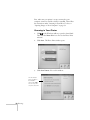
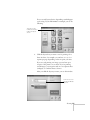
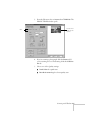
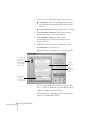
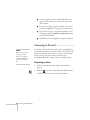
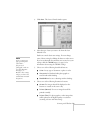
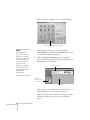
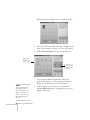
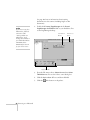
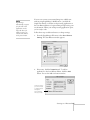
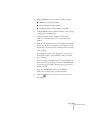
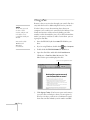
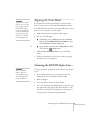
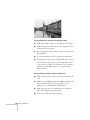
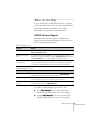
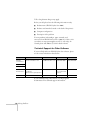
When you open an electronic manual, you’ll see this toolbar:
note
Adobe Acrobat Reader
4.0 should have been
installed when you
installed your
other EPSON
Stylus Scan 2000
software. If not, you
can install it from the
CD-ROM. Follow the
instructions on your
Start Here sheet.
show navigation
pane
first page
previous page
last page
next page
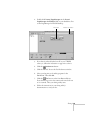
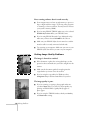
With Acrobat Reader, you have several ways to navigate
through text:
■
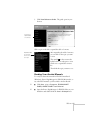
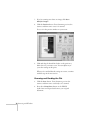
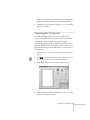
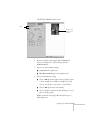
Use the navigation pane on the left side of the screen to
move quickly to the topic of your choice.
■
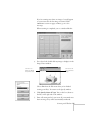
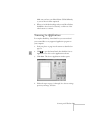
Use the arrow buttons in the toolbar or the vertical scroll
bar on the right side of the document to move through a
manual. (The box to the left of the scroll bar displays the
current page number.)
■
Click on hot topics, which are usually underlined or
displayed in a different color.
For more information, see your Acrobat Reader online guide.
18 Welcome