1
PictureMateR.book Page 46 Tuesday, May 17, 2005 10:17 AM
3
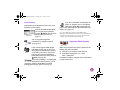
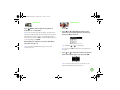
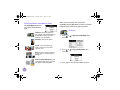
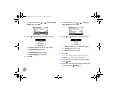
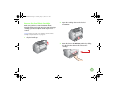
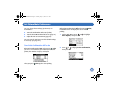
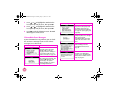
Press
or
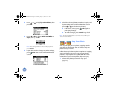
to highlight Clean Print Head,
then press OK.
6
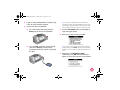
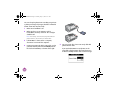
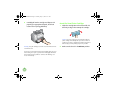
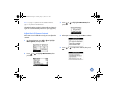
To make sure the nozzles are clean, load a sheet
of photo paper, then press OK to print the nozzle
check.
If you don’t want to print a nozzle check, press
Cancel to go back to the Main Menu.
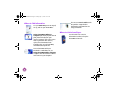
7
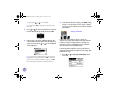
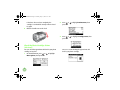
4
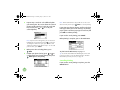
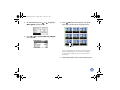
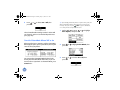
When you see this message, press OK to begin
cleaning the print head.
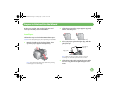
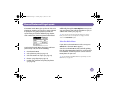
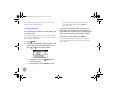
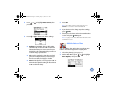
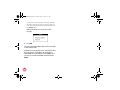
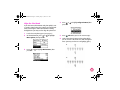
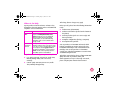
Check the pattern to see if there are any gaps in
the lines.
OK
Needs
Cleaning
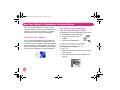
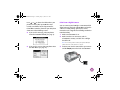
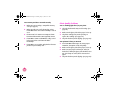
Cleaning takes several seconds, during which the
message Cleaning print head. Please wait.
appears on the screen.
5
46
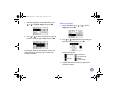
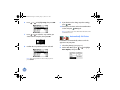
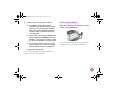
When cleaning is complete, you see a message
asking if you want to print a nozzle check pattern.
8
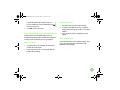
If there are gaps, press OK to clean the print head
again. If there are no gaps, press Cancel to go
back to the Main Menu.