1
D7898bk2.book Page 43 Friday, April 29, 2005 9:39 AM
Using the Keyboard and Touch Pad
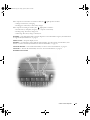
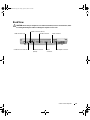
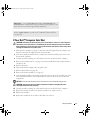
Numeric Keypad
NOTE: When you connect an external keyboard or keypad to the computer, the keypad is disabled.
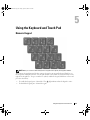
The numeric keypad functions like the numeric keypad on an external keyboard. Each key on
the keypad has multiple functions. The keypad numbers and symbols are marked in blue on the
right of the keypad keys. To type a number or symbol, enable the keypad, hold down <Fn> and
press the desired key.
•
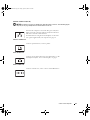
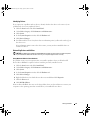
To enable the keypad, press <Num Lk>. The
•
To disable the keypad, press <Num Lk> again.
9
light indicates that the keypad is active.
Using the Keyboard and Touch Pad
43