1
3.
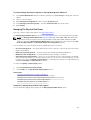
Click Exit Wizard to cancel the virtual disk creation. In this step, you select the channels and the disks
to be used by the virtual disk. The selections you make determine whether the virtual disk is channelredundant.
There are specific RAID level and configuration requirements for implementing channel redundancy.
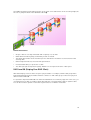
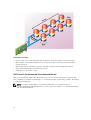
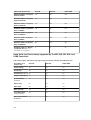
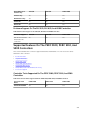
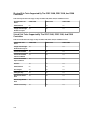
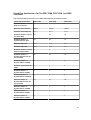
You must select the same number of physical disks on each channel that you use. For information on
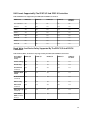
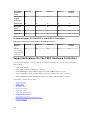
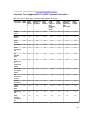
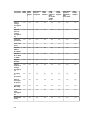
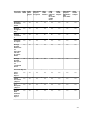
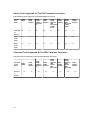
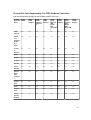
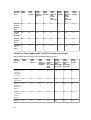
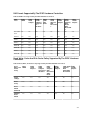
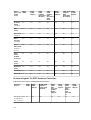
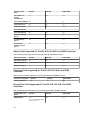
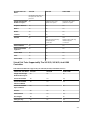
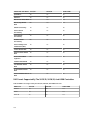
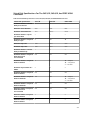
the number of physical disks that can be used for different RAID levels, see Number Of Physical Disks
Per Virtual Disk. For information on controller-specific implementations of the RAID levels, see
Controller - Supported RAID Levels.
Creating A Physical Disk For Channel Redundant Virtual Disks On PERC
Controllers
The following sections describe creating a channel-redundant virtual disk using RAID 10 or RAID 50 on
PERC controllers.
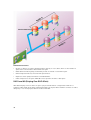
Creating A Channel-Redundant Virtual Disk Using RAID 10
To create a channel-redundant virtual disk using RAID 10:
1.
Select one physical disk on each of the two channels.
2.
Select an additional disk on each of the two channels. You have now selected the minimum number
of disks for a RAID 10.
Repeat step 2 until you have selected the desired number of disks.
3.
Click Continue to exit.
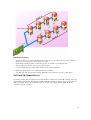
Creating A Channel-Redundant Virtual Disk Using RAID 50
To create a channel-redundant virtual disk using RAID 50:
1.
Select one physical disk on each of the three channels.
2.
Select an additional disk on each of the three channels. You have now selected the minimum
number of disks for a RAID 50.
3.
Click Continue to exit.
Repeat step 2 until you have selected the desired number of disks.
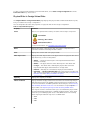
Connector Health
The connector health page displays the status of the connector and the components attached to the
connector.
Controller Information
For information on the controller, see Controllers
Connector Components
For information on attached components, see Enclosures And Backplanes.
Connector Properties And Tasks
To view information about the connector and execute connector tasks, use the connector properties and
tasks page.
120