1
Back to Contents Page
Adding and Removing Parts
Dell™ OptiPlex™ GX60 Systems User's Guide
Before You Begin
Memory
Opening the Computer Cover
Battery
PCI Cards and Serial Port Adapters
Power Supply
Chassis Intrusion Switch
Control Panel
Drives
Processor
System Board
Telephony Applications Programming Interface (TAPI)
I/O Panel
Closing the Computer Cover
Opening the Computer Cover
CAUTION: Before you begin any of the procedures in this section, follow the safety instructions.
CAUTION: To guard against electrical shock, always unplug your computer from the electrical outlet before opening the cover.
1.
Perform an orderly computer shutdown using the operating system menu.
NOTICE: To disconnect a network cable, first unplug the cable from your computer, and then unplug it from the network wall jack.
2.
Turn off any attached devices and disconnect them from their electrical outlets.
3.
Disconnect the computer power cable from the wall outlet, and then press the power button to ground the system board.
4.
Remove the computer stand, if it is attached.
5.
If you have installed a padlock through the padlock ring on the back panel, remove the padlock.
NOTICE: Ensure that sufficient space exists to support the open cover—at least 30 cm (1 ft) of desktop space.
6.
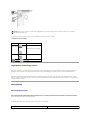
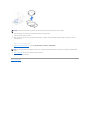
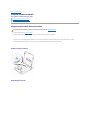
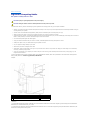
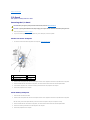
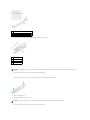
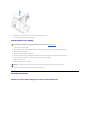
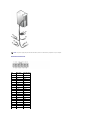
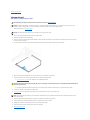
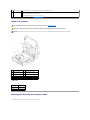
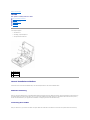
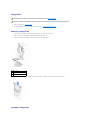
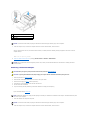
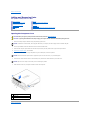
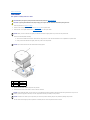
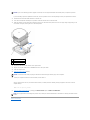
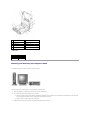
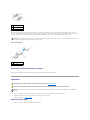
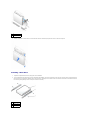
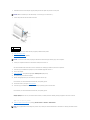
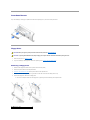
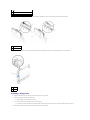
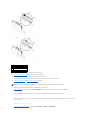
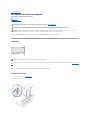
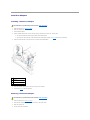
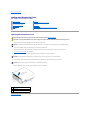
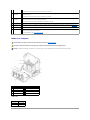
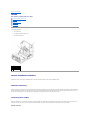
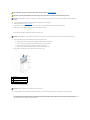
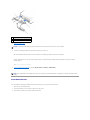
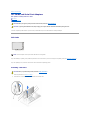
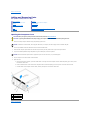
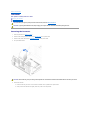
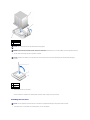
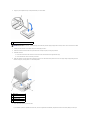
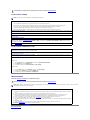
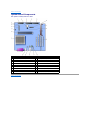
Locate the two release buttons shown in the illustration, then press the two release buttons as you lift the cover.
NOTICE: Open the cover slowly to ensure that you do not damage any cables.
7.
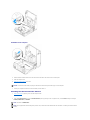
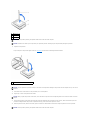
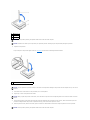
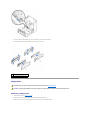
Raise the back of the cover, and pivot it toward the front of the computer.
1 security cable slot
2 padlock ring
3 two release buttons (one on each side)
Back to Contents Page