1
SCSI Connections
Assigning SCSI Device IDs
Ultra, Wide SCSI IDs
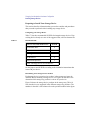
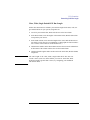
Before assigning a SCSI device ID to your drive, you need to check your
SCSI device IDs. To check which SCSI device IDs are available and assign
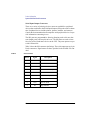
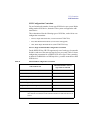
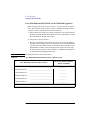
an ID to your device, follow these instructions which use Table 29.
1
Write in the type of each device currently connected to your system under the
heading “Ultra, Wide SE SCSI Device Drives” and each drive’s SCSI device ID
under the heading “Device ID.”
2
Add your new drive to the table.
3
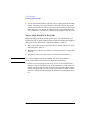
Check to see what SCSI device IDs are not used. You may use ID numbers 0
through 6 and 8 through 15 if they are not already in use. If the default ID on your
drive does not conflict with any existing drive IDs, use that ID. If your default
address conflicts with an existing drive ID, assign a new ultra, wide SE SCSI device ID to your drive. Refer to the drive’s installation documentation for information on changing the device ID.
CAUTION:
Do not use SCSI device ID 7 for any device.
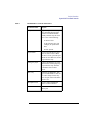
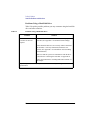
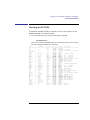
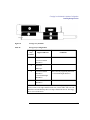
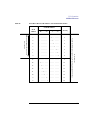
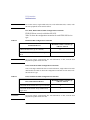
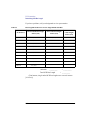
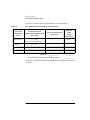
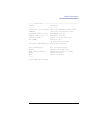
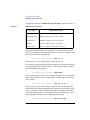
Table 29
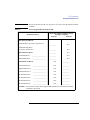
Ultra, Wide SE SCSI Device Drives and Device ID
Ultra, Wide SE SCSI Device Drives
Device ID (Address) Number
(ID 7 not available)
1st Internal Device
______________________________
__________
2nd Internal Device
______________________________
__________
1st External Device
______________________________
__________
2nd External Device
______________________________
__________
NOTICE: You can have no more than 4 SCSI devices connected to a ultra, wide SE bus.
171