1
using your system
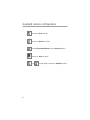
The buttons used in the instructions in this manual correspond to the
standard configuration. Remember, this is not the only way your
remote may be set up. It can be custom configured to meet your needs.
active arming
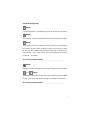
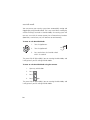
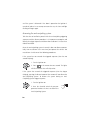
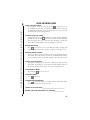
You can activate, or arm, the system by pressing
on your remote for
one second. When the system arms, you will hear a short siren sound, or
chirp, and the parking lights will flash once. If the vehicle’s power door
locks have been connected to the system, the doors will lock.
While the system is armed, the status LED will flash approximately once
per second, indicating that the system is actively protecting your vehicle. If you hear a second chirp after arming, and see the status LED
flashing in groups, refer to the Diagnostics section of this guide. This
extra chirp is notification of an open zone.
passive arming
The system also can be programmed to arm itself automatically (called
passive arming). If the system is programmed for passive arming, it will
automatically arm 30 seconds after the ignition is turned off and the
system "sees" you leave the vehicle by opening and closing a door.
Whenever the system is in its 30-second passive-arming countdown,
the status LED will flash twice as fast as it does when the system is
armed. The siren will chirp once 20 seconds after the last door has been
closed. The system is not actually armed at that point. The system arms
and the doors lock (if connected and programmed for passive locking)
at the 30 second mark, but the siren will not chirp. The early chirp pro6