1
Chapter 8
Provisioning Using TL1
Restore System Configuration
FINAL DRAFT - CISCO CONFIDENTIAL
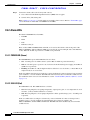
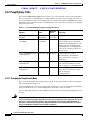
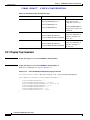
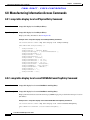
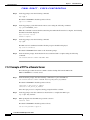
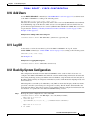
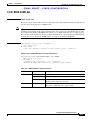
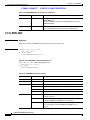
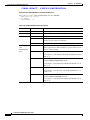
/* CPY-MEM */
;
Step 2
If desired, use the COPY-RFILE command to copy the file to a remote server. See “COPY-RFILE”
section on page 9-12.
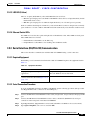
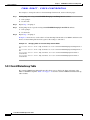
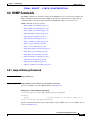
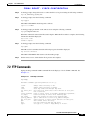
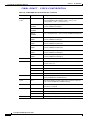
8.13 Restore System Configuration
The configuration information for the ONS 15216 EDFA2 can be restored form a file. During this
process, all configuration information (such as alarm thresholds and pump mode) and the user database
from the file are replaced in the ONS 15216 EDFA2 memory and FFS.
Before the restore begins, a cyclic redundancy code (CRC) check is performed to ensure data integrity.
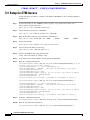
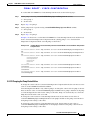
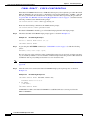
Step 1
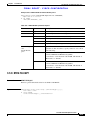
If desired, use the COPY-RFILE command to copy a backup file from a remote server. See
“COPY-RFILE” section on page 9-12.
Step 2
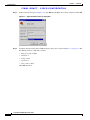
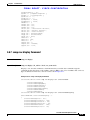
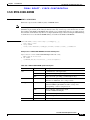
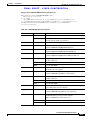
Restore the system configuration from the file on the FFS.
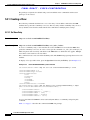
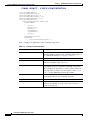
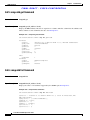
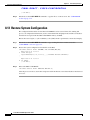
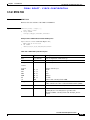
sidtidname:ONS15216 EDFA2> CPY-MEM:::123::filename,FFS,CFG;
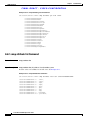
Amp01 2003-07-25 18:14:32
A 2 REPT EVT EQPT
"EQPT:DBRESTORE,TC,7-25,18-14-32,,,,:\"DATABASE RESTORE COMPLETED\""
;
M
Amp01 2003-07-25 18:14:32
all COMPLD
/* CPY-MEM */
;
Step 3
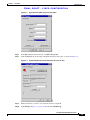
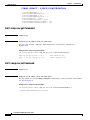
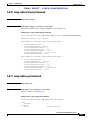
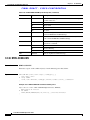
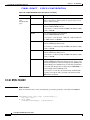
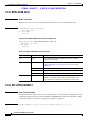
Reboot the ONS 15216 EDFA2.
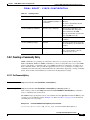
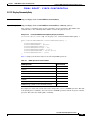
sidtidname:ONS15216 EDFA2> INIT-SYS::ALL:124::1;
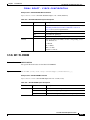
After the processor reboots, user names and passwords from the new, restored user database must be used
for access.
Cisco ONS 15216 EDFA2 Operations Guide
8-12
78-16033-01