1
134
Playback/Erasing
Jumping to Images
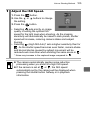
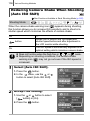
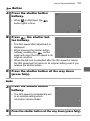
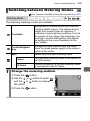
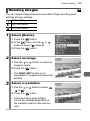
When you have many images recorded onto a memory card, it is
handy to use the five search keys below to jump over images to find
the object of your search.
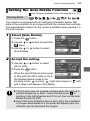
1
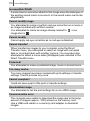
Jump 10 Images
Jumps over 10 images at a time.
Jump 100 Images
Jumps over 100 images at a time.
Jump Shot Date
Jumps to the first image of each shooting date.
Jump to Movie
Jumps to a movie.
Jump to Folder
Jumps to the first image of each folder.
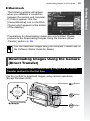
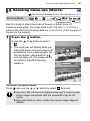
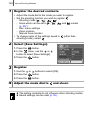
In single image playback
mode, press the
button.
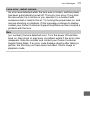
Number of images
matching search key
• The camera will switch to jump
search mode.
• The screen sample will vary slightly
according to the search key.
Location of
image currently
being displayed
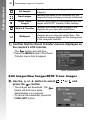
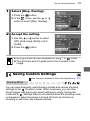
2
Use the
or
button to
select a search key and
press the
or
button.
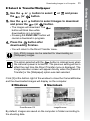
To Return to Single Image Playback
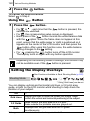
Press the
button.