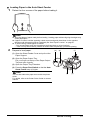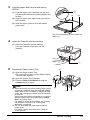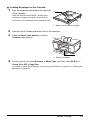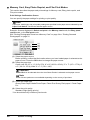
1
4
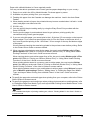
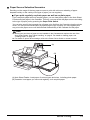
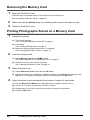
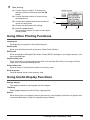
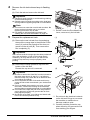
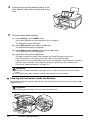
Start printing.
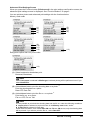
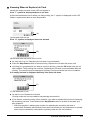
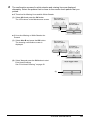
(1) Confirm the print setting. To change the
settings, select the item and press the OK
button.
(2) Confirm the total number of copies for selected
photos.
(3) Change the advanced print settings.
(4) Press the Color button to print in color, or the
Black button to print in black & white.
The specified number of copies of each photo
will be printed.
(1)
(2)
(3)
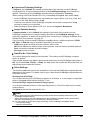
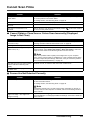
Using Other Useful Printing Functions
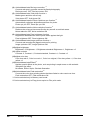
Sticker print
Prints your favorite photo on Canon Photo Stickers to create your own stickers.
Print all photos
Prints all scanned photos.
Using Useful Display Functions
Change display
The display method of a photograph can be changed.
Trimming
Edits images displayed on the LCD by cropping them.
42
Photo Printing from Photo or Film