1
0-00-DR-M160_RG_UK.book Page 43 Thursday, June 9, 2011 8:04 PM
Daily Maintenance
Replacing Consumable Parts
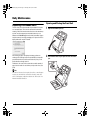
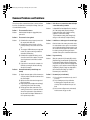
Opening and Closing the Front Unit
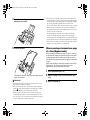
The two rollers (feed roller and retard roller) installed in the scanner
are consumable parts. The feed roller and retard roller wear with
scanning. If the feed roller and retard roller are worn, documents may
not feed correctly and paper jams and double feeds may occur.
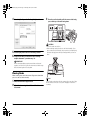
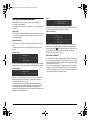
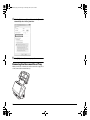
When more than 200,000 pages have been fed (total number of pages
fed by the scanner), a message prompting you to replace the rollers is
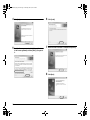
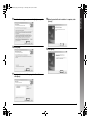
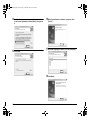
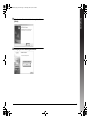
displayed when the computer is started.
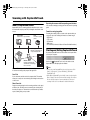
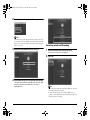
1
If this message begins to be displayed at startup, purchase an
exchange roller kit and replace the worn parts with the consumable
parts included in the kit (feed roller and retard roller). See p. 54 for
details about the exchange roller kit.
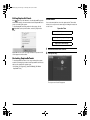
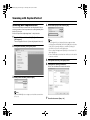
Furthermore, the counter in the scanner that records the number of
pages fed also needs to be reset when you replace the rollers. (See
p. 46)
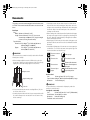
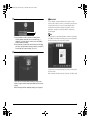
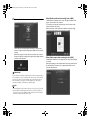
2
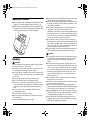
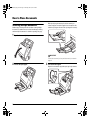
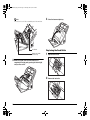
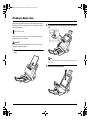
Open the document eject tray.
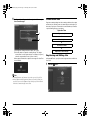
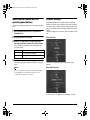
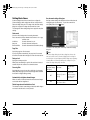
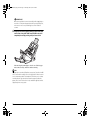
Pull the OPEN lever and pull open the front unit toward
you.
Hint
Even before it becomes time to replace the rollers, scanned images
may become stretched in the vertical direction due to wear of the
rollers. If this happens, adjust the reduction ratio. Refer to the User
Manual for detailed information.
43