1
6.2 Clearing Paper Jams
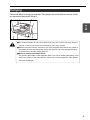
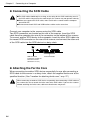
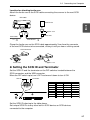
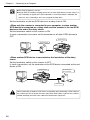
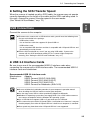
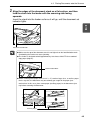
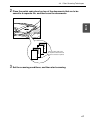
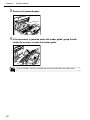
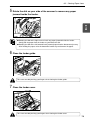
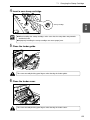
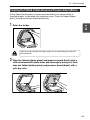
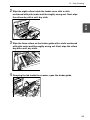
5 Rotate the dial on your side of the scanner to remove any paper
ENGLISH
jammed inside the feeder.
Note
● Rotating the dial to the right reverse feeds any paper jammed inside the feeder.
Gently pull the paper from the feeder as you rotate the dial.
● Rotating the dial to the left forward feeds jammed paper into the document eject tray.
After feeding the paper, raise the document feeder tray and remove the paper.
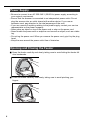
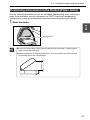
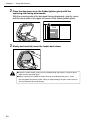
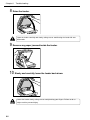
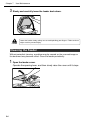
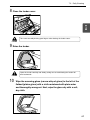
6 Close the feeder guide.
Take care to avoid pinching your fingers when closing the feeder guide.
CAUTION
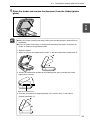
7 Close the feeder cover.
Take care to avoid pinching your fingers when closing the feeder cover.
CAUTION
79