1
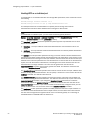
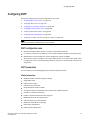
Configuring IP parameters – Layer 3 Switches
•
•
•
•
•
•
•
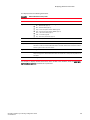
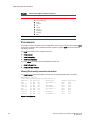
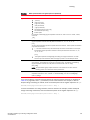
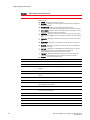
TACACS/TACACS+
TFTP
RADIUS
Syslog
SNTP
SSH
SNMP traps
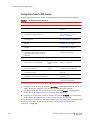
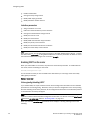
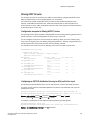
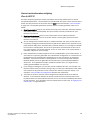
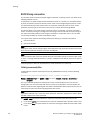
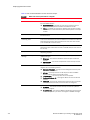
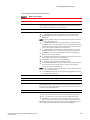
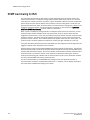
You can configure the Layer 3 Switch to always use the lowest-numbered IP address on a specific
Ethernet, loopback, or virtual interface as the source addresses for these packets. When
configured, the Layer 3 Switch uses the same IP address as the source for all packets of the
specified type, regardless of the ports that actually sends the packets.
Identifying a single source IP address for specified packets provides the following benefits:
• If your server is configured to accept packets only from specific IP addresses, you can use this
feature to simplify configuration of the server by configuring the Brocade device to always send
the packets from the same link or source address.
• If you specify a loopback interface as the single source for specified packets, servers can
receive the packets regardless of the states of individual links. Thus, if a link to the server
becomes unavailable but the client or server can be reached through another link, the client or
server still receives the packets, and the packets still have the source IP address of the
loopback interface.
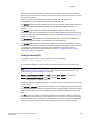
The software contains separate CLI commands for specifying the source interface for specific
packets. You can configure a source interface for one or more of these types of packets separately.
The following sections show the syntax for specifying a single source IP address for specific packet
types.
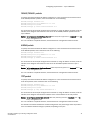
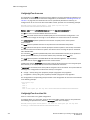
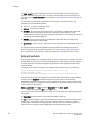
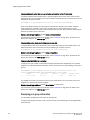
Telnet packets
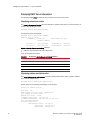
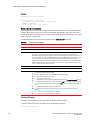
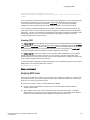
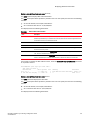
To specify the IP address configured on a virtual interface as the device source for all Telnet
packets, enter commands such as the following.
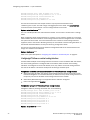
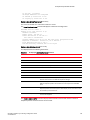
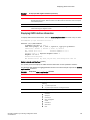
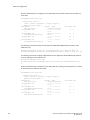
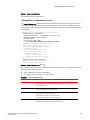
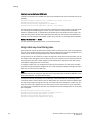
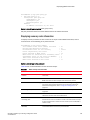
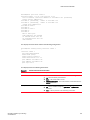
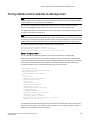
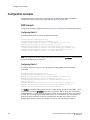
Brocade(config)# interface loopback 2
Brocade(config-lbif-2)# ip address 10.0.0.2/24
Brocade(config-lbif-2)# exit
Brocade(config)# ip telnet source-interface loopback 2
The commands in this example configure loopback interface 2, assign IP address 10.0.0.2/24 to
the interface, then designate the interface as the source for all Telnet packets from the Layer 3
Switch.
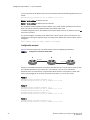
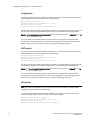
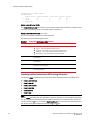
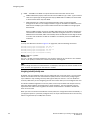
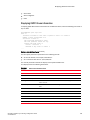
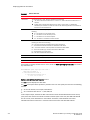
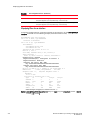
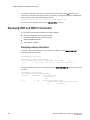
The following commands configure an IP interface on an Ethernet port and designate the address
port as the source for all Telnet packets from the Layer 3 Switch.
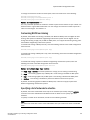
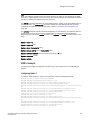
Brocade(config)# interface ethernet 1/1/4
Brocade(config-if-e10000-1/1/4)# ip address 192.168.22.110/24
Brocade(config-if-e10000-1/1/4)# exit
Brocade(config)# ip telnet source-interface ethernet 1/1/4
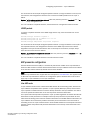
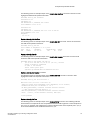
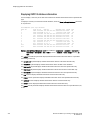
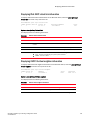
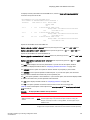
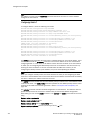
Syntax: [no] ip telnet source-interface ethernet stack-unit/slotnum/portnum | loopback num | ve
num | management num
The num variable is a loopback interface, virtual interface or management interface number.
32
Brocade ICX 6650 Layer 3 Routing Configuration Guide
53-1002603-01