1
Chapter 4
Editing X.25 Parameters
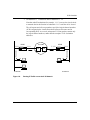
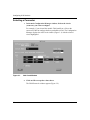
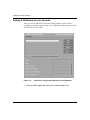
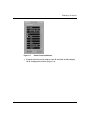
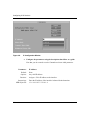
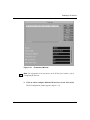
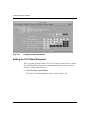
After you enable X.25, you can edit all X.25 parameters from the Configuration
Manager window (Figure 4-1). Refer to Configuring Routers for instructions on
using Site Manager to access this window.
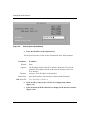
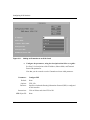
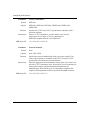
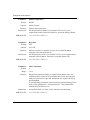
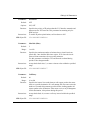
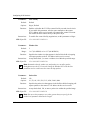
For each X.25 parameter, this chapter gives the default setting, valid parameter
options, the parameter function, instructions for setting the parameter, and the
Management Information Base (MIB) object ID.
The Technician Interface allows you to modify parameters by executing set and
commit commands with the MIB object ID. This process is equivalent to
modifying parameters using Site Manager. For more information about using the
Technician Interface to access the MIB, refer to Using Technician Interface
Software.
Caution: The Technician Interface does not verify that the value you enter for
a parameter is valid. Entering an invalid value can corrupt your
configuration.
4-31