1
Talking with more than one person
To set up a conference call:
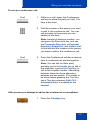
Conf
1. While on a call, press the Conference
soft key to place the party on hold. You
hear a dial tone.
2. Dial the number of the person you want
to add to the conference call. You can
talk privately to the person you are
adding at this time.
Note: Instead of dialing a number, you
can press the Directory key, and use
the Corporate Directory or Personal
Directory, Redial List, and Callers List
to find and dial the number of the person
you want to add to the conference call.
Conf
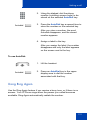
3. Press the Conference soft key a second
time to conference all parties together.
Note: You can talk to either party
privately, press the Incalls key to talk to
the originator or press the Conf key to
talk to the transfer number. Alternating
between these two keys alternates
between the two parties. This needs to
be done before pressing the Conf key
twice.This also assumes AHA CLS Automatic Hold, is enabled on the
handset.
If the person you attempt to add to the conference is unavailable:
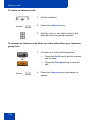
1. Press the Goodbye key.
(Goodbye)
157