1
28
Chapter 3 Setting up Digital Networking
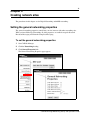
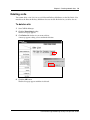
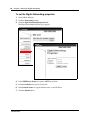
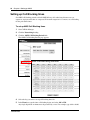
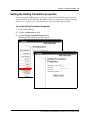
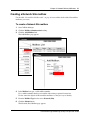
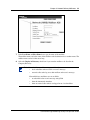
To set the Digital Networking properties
1
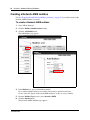
Start CallPilot Manager.
2
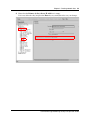
Click the Networking heading.
3
Click the Digital Networking Properties link.
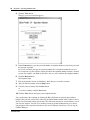
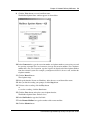
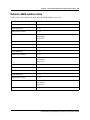
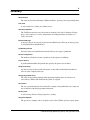
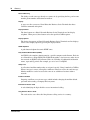
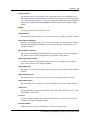
The Digital Networking Properties page appears.
4
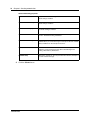
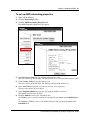
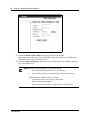
In the SMTP Proxy Name box type the SMTP Proxy Name.
5
In the Local Prefix box type the local prefix.
6
In the Domain Name box type the domain name or your IP address.
7
Click the Submit button.
P0919429 03