1
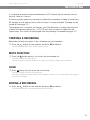
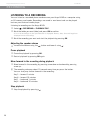
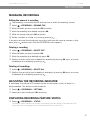
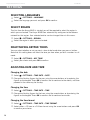
Avaya B149 Conference Phone User Guide RECORDING MANAGING RECORDINGS Editing the name of a recording The recording is named by default with the time at which the recording started. Select > RECORDING > RENAME FILE. Mark the folder you want and press OK to confirm. Mark the recording to be edited and press OK. Make the change and press OK to confirm. Delete a number or a letter in a name by pressing . If you want to cancel the change you are making and leave the name or number as they were, press several times until the RECORDING menu appears. Deleting a recording Select > RECORDING > DELETE FILE. Mark the folder you want and press OK. Mark the recording to be deleted and press OK. Confirm that you really want to delete the recording by pressing OK again, or cancel the deletion of a recording by pressing . Deleting all recordings Select > RECORDING > DELETE ALL. Confirm that you really want to delete all recordings by pressing OK again, or cancel the deletion of a recording by pressing . ADJUSTING THE RECORDING INDICATOR A short beep is heard every 20 seconds so that all the parties in the call know it is being recorded. This feature can be turned off. Select > RECORDING > SETTINGS. Select your choice and press OK to confirm. DISPLAYING RECORDING FEATURE STATUS Select > RECORDING > STATUS. The display screen indicates the number of recordings, the total length of recorded calls and how many hours of recording time are left before the memory card is full. 17