1
56 Troubleshooting corporate directory search problems
6
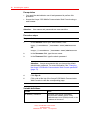
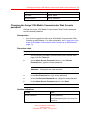
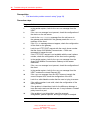
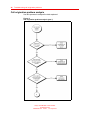
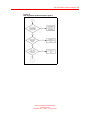
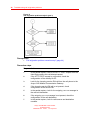
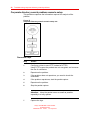
If the LDAP query request does not return results, check the
corporate directory server logs for more information.
7
Look for the mapping of the phone numbers to LDAP attributes
on the Avaya 3100 Mobile Communicator Gateway.
8
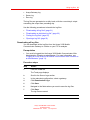
If the mapping of the phone numbers to LDAP attributes is
correct, work with your corporate directory administrator to
determine the cause of the problem.
9
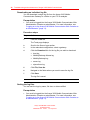
If the mapping of the phone numbers to LDAP attributes is not
correct on the Avaya 3100 Mobile Communicator Gateway,
check the LDAP attribute mappings.
--End--
Avaya 3100 Mobile Communicator
Troubleshooting
NN42030-700 02.03 15 July 2010
.