1
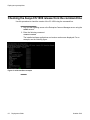
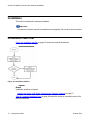
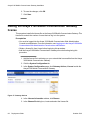
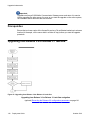
Managing the server processes from the Web Administration Console
Prerequisites
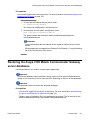
You must be logged into the Avaya 3100 Mobile Communicator Web Administration Console
as administrator. For more information, see Logging on to the Avaya 3100 Mobile
Communicator Web Administration Console as an administrator on page 155.
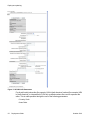
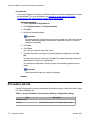
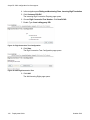
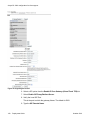
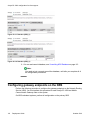
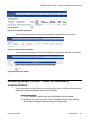
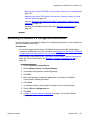
1. On the Avaya 3100 Mobile Communicator Web Administration Console main page,
click the Tools tab.
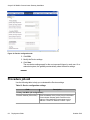
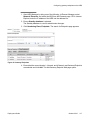
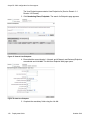
2. In the Admin Server Password section, in the Current Password box, type the
current password.
Important:
Passwords are case-sensitive.
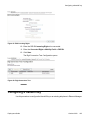
3. In the New Password box, type a new password.
4. In the Confirm New Password box, retype the new password.
5. In the Admin Server Password section, click Save.
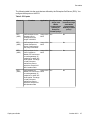
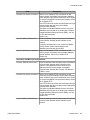
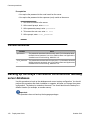
Variable definitions
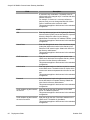
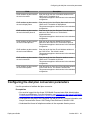
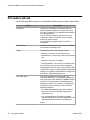
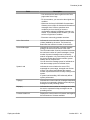
Variable
Value
Current Password
Existing password.
The default password for new servers is
password
New password
New password for the Admin server.
Secure passwords use a mix of letters, numbers
and alphabetic characters and can be up to 19
characters in length.
Confirm New Password
New password for confirmation.
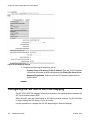
Managing the server processes from the Web
Administration Console
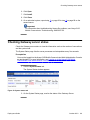
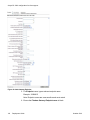
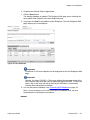
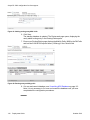
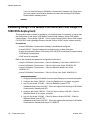
Start, stop, and restart server processes from the Web Administration Console to start, stop,
or restart the servers.
Deployment Guide
October 2010
157