1
The Address Book
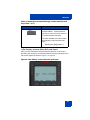
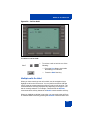
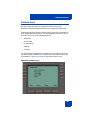
Adding a contact to your Address Book
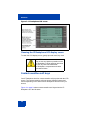
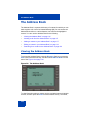
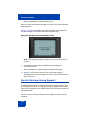
You can add a new contacts to the Address Book of the IP Deskphone.
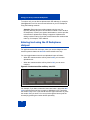
To add a contact to your Address Book:
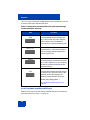
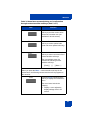
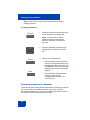
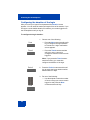
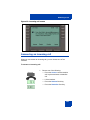
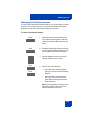
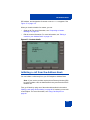
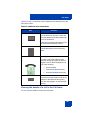
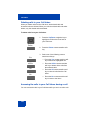
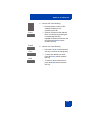
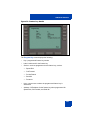
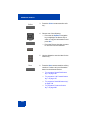
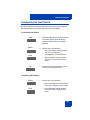
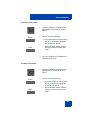
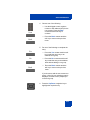
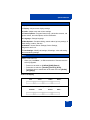
1. Choose one of the following:
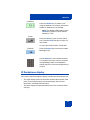
— Press the Directory fixed key.
Add
— Press the Add context-sensitive soft
key, select Address Book from the
menu, and then press the New
context-sensitive soft key.
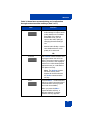
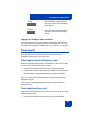
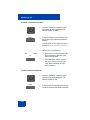
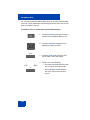
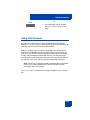
abc
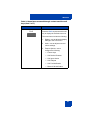
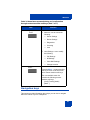
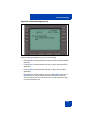
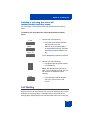
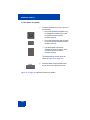
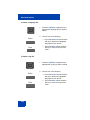
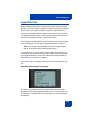
2. Press the abc/123 context-sensitive soft
key to toggle between alphabetic and
numeric characters.
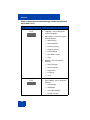
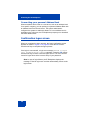
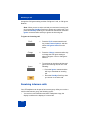
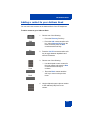
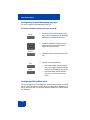
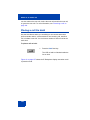
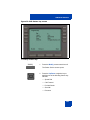
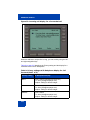
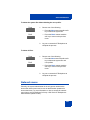
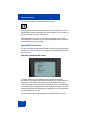
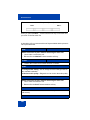
3. Choose one of the following:
Next
— Use the dialpad to enter a name for
the new contact and press the Next
context-sensitive soft key to
continue.
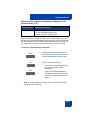
Back
— Press the Back context-sensitive
soft key to return to the previous
menu.
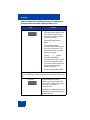
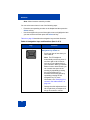
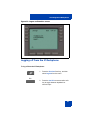
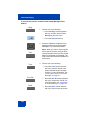
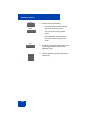
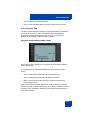
4. Use the dialpad to enter a phone number
or SIP address (URI) for the new
contact.
117