1
Telephone operation
Intercom
TONE
TONE
MUTE
REDIAL
MUTE
REDIAL
DELETE
PAUSE
DELETE
PAUSE
HANDSET 1
12:45PM
Use the intercom feature for conversations
between handsets.
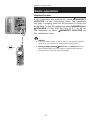
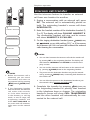
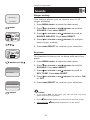
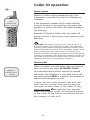
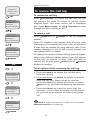
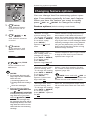
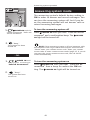
1. Press INT. The screen of the originating handset
will show INTERCOM TO:.
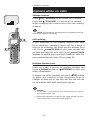
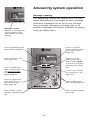
2. Enter the handset number of the destination handset (1,
2 or 3). The display will show CALLING HANDSET X.
The destination handset will ring, and its screen
will show HANDSET X IS CALLING.
NOTES:
INTERCOM TO:
INTERCOM
•
Before the intercom call is answered, you can cancel the
intercom call by pressing OFF/CLEAR or INT.
•
If the destination handset is not answered within 100
seconds or if it is in the directory or call log mode, or out
of range, the originating handset will show the message
NOT AVAILABLE.
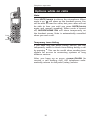
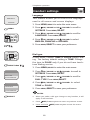
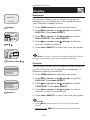
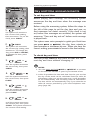
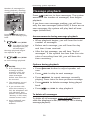
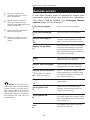
3. On the ringing destination handset, press PHONE/FLASH,
INT, SPEAKER, or any dial pad key (0-9, * or #) to answer
the intercom call.
NOTE: At any time, a
maximum of two handsets
can be used on an intercom
call, and another handset can
be used on an outside call at
the same time.
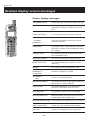
NOTE: On the ringing destination handset, pressing
or MUTE/DELETE will temporarily silence the intercom ringer.
OFF/CLEAR
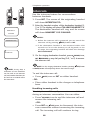
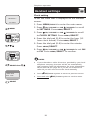
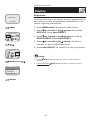
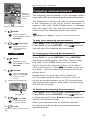
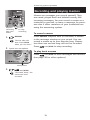
To end the intercom call:
• Press OFF/CLEAR or INT on either handset.
-OR• Place either handset in the charger or telephone base.
Handling incoming calls
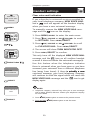
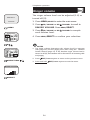
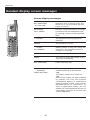
The telephone will beep if you receive an outside call
during an intercom conversation. You can either:
• Press PHONE/FLASH to end the intercom call and
answer the incoming call.
-OR• Press INT or OFF/CLEAR to disconnect the intercom connection without answering the incoming
call. The incoming call will continue to ring.
16