1
6.2.3
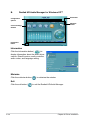
Utilities menu
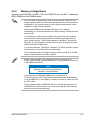
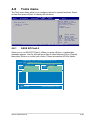
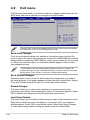
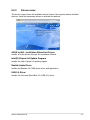
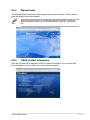
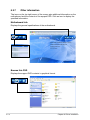
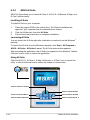
The Utilities menu shows the applications and other software that the motherboard
supports.
Click to display
the next page
Click to return
to the previous
page
ASUS InstAll-Installation Wizard for Utilities
Installs all of the utilities through the Installation Wizard.
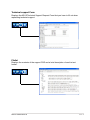
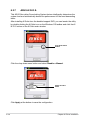
ASUS PC Probe II
This smart utility monitors the fan speed, CPU temperature, and system voltages,
and alerts you of any detected problems. This utility helps you keep your computer
in healthy operating condition.
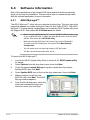
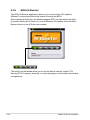
ASUS AI Suite
Installs the ASUS AI Suite.
6-8
Chapter 6: Driver installation