1
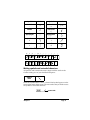
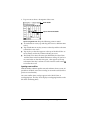
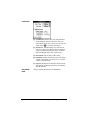
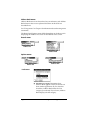
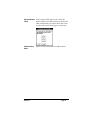
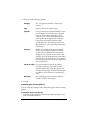
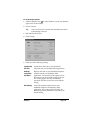
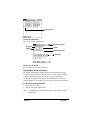
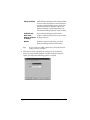
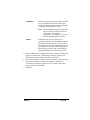
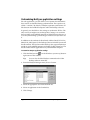
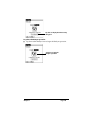
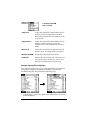
Set As
Default
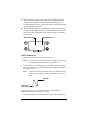
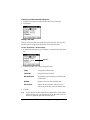
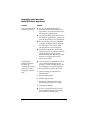
Tip:
Changes the default setting on an ongoing basis.
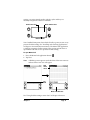
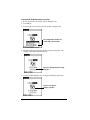
(When you first set up Mail, Synchronize the
files is the default setting.)
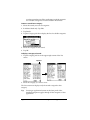
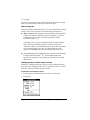
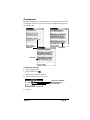
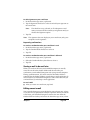
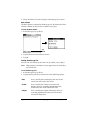
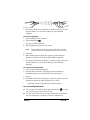
To turn off Mail, select Do Nothing and then select the Set As
Default check box.
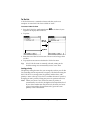
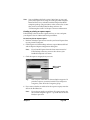
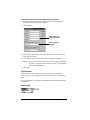
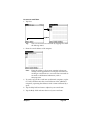
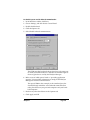
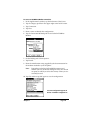
To change your Mail setup options:
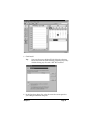
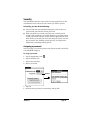
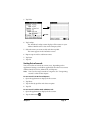
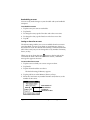
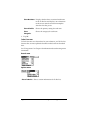
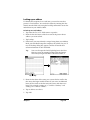
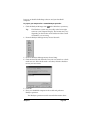
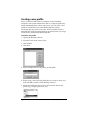
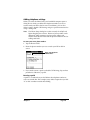
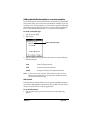
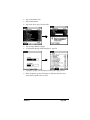
1. Click the HotSync icon
in the Windows system tray.
2. Choose Custom.
Tip:
You can also choose Custom from the HotSync menu in
Palm Desktop software.
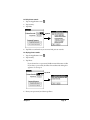
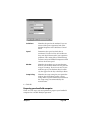
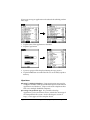
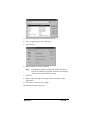
3. Select Mail in the list box.
4. Click Change.
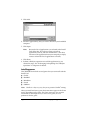
5. Modify your settings as needed.
6. Click OK.
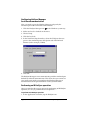
Synchronizing Mail with your e-mail application
After you enable and configure Mail, you need to perform a HotSync
operation to synchronize Mail with your desktop e-mail application.
For a complete explanation of HotSync technology, see Chapter 6.
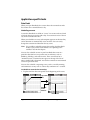
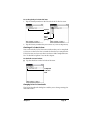
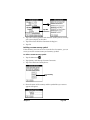
Opening the Mail application on your handheld computer
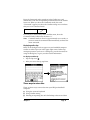
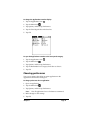
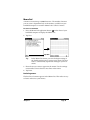
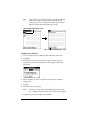
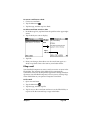
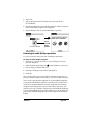
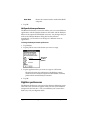
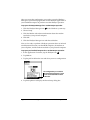
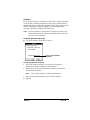
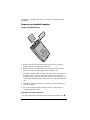
To open Mail:
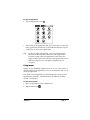
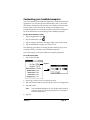
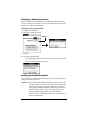
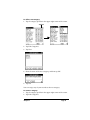
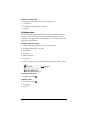
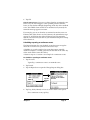
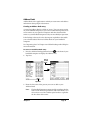
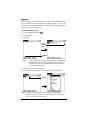
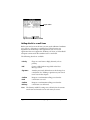
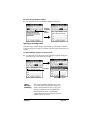
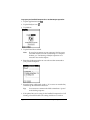
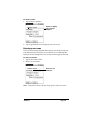
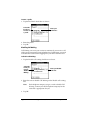
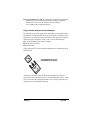
1. Tap the Applications icon
2. Tap the Mail icon
.
.
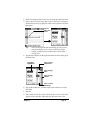
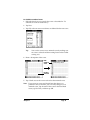
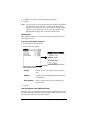
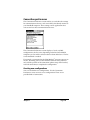
Viewing e-mail items
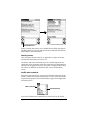
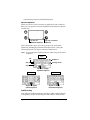
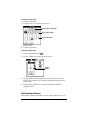
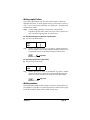
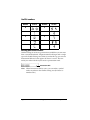
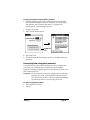
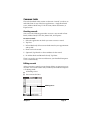
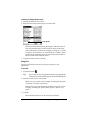
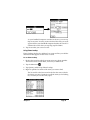
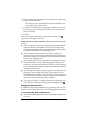
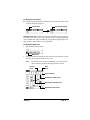
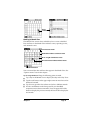
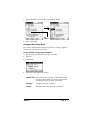
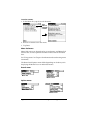
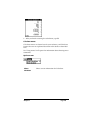
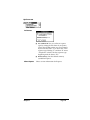
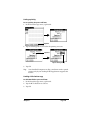
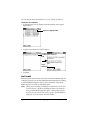
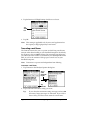
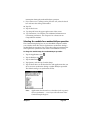
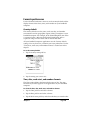
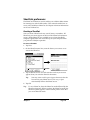
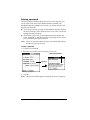
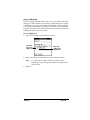
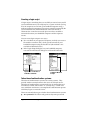
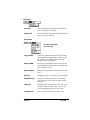
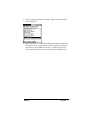
The Message List displays a list of your incoming e-mail items, who
sent them, and the date they were received. E-mail items you’ve read
have a check next to them. High-priority e-mail items appear in bold.
Page 118
Communicating Using Your Handheld Computer