1
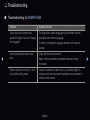
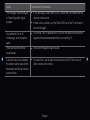
Issues
Solutions and Explanations
Recording / Timeshift
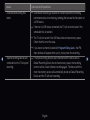
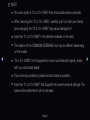
•• See the manual for the USB device to check that the USB device
supports recording.
The USB device is not
recognized or a Device
Format, Checking Device
or Device Performance Test
fails.
◀
•• If the USB device has a lock, ensure it is off.
•• Check that the USB device can be formatted when connected to the
PC. Connect the USB to the TV and format it. (Formatting may fail
intermittently.)
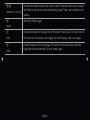
•• If a Device Performance Test or formatting failed, it means that there
is a problem with the USB hardware or the performance of the USB
hardware is too low.
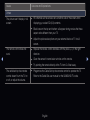
A message prompts me to
format a USB device that has
been working well.
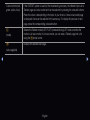
•• If the USB device has a lock, ensure it is off.
•• Recover the USB device using the recovery function in Checking
Device.
English
▶