1
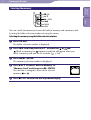
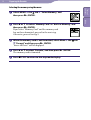
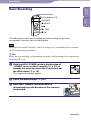
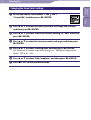
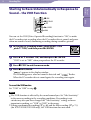
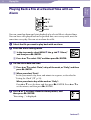
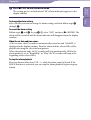
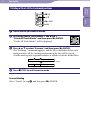
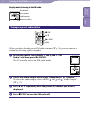
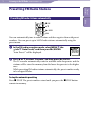
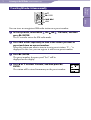
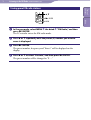
58 Erasing Files Table of Contents Erasing All Files in a Folder STOP , MENU Select the folder containing the files you want to erase when the IC recorder is in the stop mode ( p.27). Select MENU the tab “Erase All,” and then press /ENTER. “Erase All Files in the Folder?” will be displayed. Press or to select “Execute,” and then press /ENTER. The “Erasing...” animation appears in the display window and all files in the selected folder will be erased. Press STOP to exit the menu mode. To cancel erasing Select “Cancel” in step , and then press /ENTER. Index /ENTER