1
HP ProBook 6465b Notebook PC
HP ProBook 6565b Notebook PC
QuickSpecs
Overview
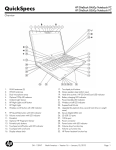
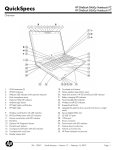
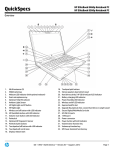
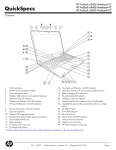
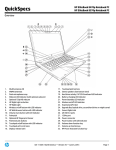
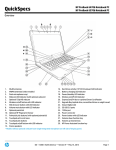
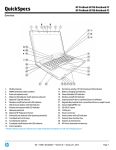
12. Touchpad
27. Volume down function key <F6>
13. Touchpad pick buttons
28. Volume up function key <F7>
14. Touchpad on/off button with LED indicator
29. HP Power Assistant function key <F8>
15. Stereo speakers
* Models without optional webcam have single integrated microphone on left side of display panel.
1.
2.
3.
4.
5.
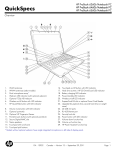
Stereo headphone/line out
Stereo microphone/line in
eSATA/USB 2.0 combo port
(1) USB 2.0 port
DisplayPort
6.
7.
8.
9.
10.
DA - 14043
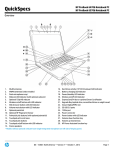
Vents
Security lock slot
RJ-11/modem port
VGA/external monitor connector
RJ-45/Ethernet port
Canada — Version 4 — July 6, 2011
Page 2