1
Intel® Server Boards S5520HC and S5500HCV TPS
5.3.2.2.5
BIOS Setup Utility
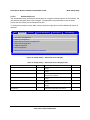
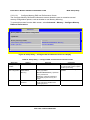
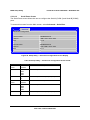
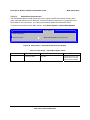
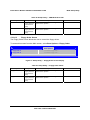
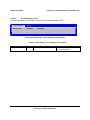
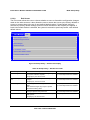
USB Configuration Screen
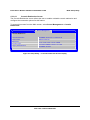
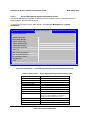
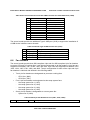
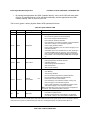
The USB Configuration screen allows the user to configure the USB controller options.
To access this screen from the Main screen, select Advanced > USB Configuration.
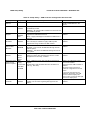
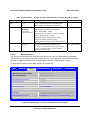
Advanced
USB Configuration
Detected USB Devices
<Total USB Devices in System>
USB Controller
Enabled / Disabled
Legacy USB Support
Enabled / Disabled / Auto
Port 60/64 Emulation
Enabled / Disabled
Make USB Devices Non-Bootable
Enabled / Disabled
USB Mass Storage Device Configuration
10 seconds / 20 seconds / 30 seconds / 40 seconds
Device Reset timeout
Mass Storage Devices:
<Mass storage devices one line/device>
Auto / Floppy/Forced FDD/Hard Disk/CD-ROM
USB 2.0 controller
Enabled / Disabled
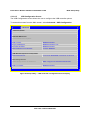
Figure 29. Setup Utility — USB Controller Configuration Screen Display
Revision 1.2
83
Intel order number E39529-009