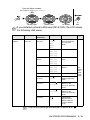
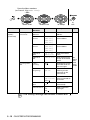
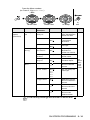
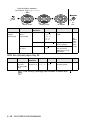
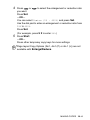
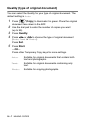
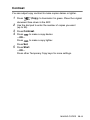
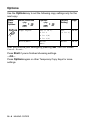
1
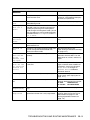
Changing Remote Access Code
When you are at the machine:
The
cannot be changed.
2
Program Fax Forwarding Number, press 4. Enter the new
fax number where you want your fax messages forwarded
followed by
.
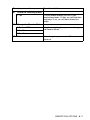
Select Fax Storage, press 6.
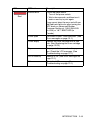
RETRIEVE A FAX
Press 9 6
then to
Retrieve all faxes, press 2,
then enter the number of remote fax machine followed by
After the beep, hang up and wait.
Erase all fax messages, press 3.
3
.
R - 2 REMOTE RETRIEVAL ACCESS CARD
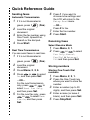
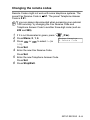
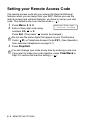
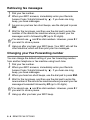
1 Press Menu, 2, 5, 2.
2 Enter a three-digit number from 000 to 999.
3 Press Set.
4 Press Stop/Exit.
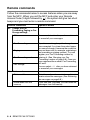
Remote Commands
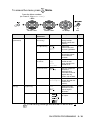
CHANGE PAGING/FAX FORWARDING SETTING
Press 9 5.
then to Turn feature Off, press 1.
Select Fax Forwarding, press 2.
Select Paging, press 3.
Fold
Fold