1
Hot key mode (2): non-speaker models
The monitor keys perform as hotkeys to provide direct access to particular functions whenever the
menu isn't currently displaying on-screen.
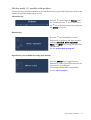
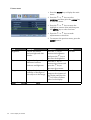
Brightness and Contrast hot keys
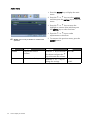
Press the t key to display the Brightness
and Contrast indicators. Further press the
the t or u keys, then the ENTER key to
select Brightness or Contrast. The t key
will increase the level, while the u key will
decrease the level.
To exit, press the MENU key.
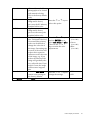
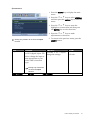
Mode hot key
Press the u key continually to switch
between the 5 modes for the main window,
including Standard, Movie, Dynamics,
Photo, and sRGB. The setting will take effect
immediately.
See also Picture Mode on page 28.
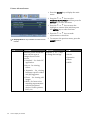
Input hot key (not available for analog-only models)
Press the ENTER key to toggle between
different PC video signal inputs that may be
connected to your monitor.
The setting will take effect immediately.
See also Input on page 31.
22
How to adjust your monitor