1
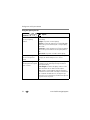
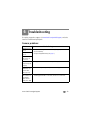
Troubleshooting
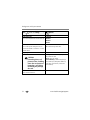
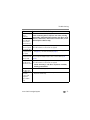
If...
Try one or more of the following
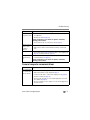
Cannot transfer
pictures.
(The Add New
Hardware Wizard
cannot locate
drivers.)
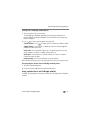
■ Disconnect the USB cable. (If using camera dock or printer dock,
disconnect cable and remove camera from dock). Close all open
applications. Re-install the software (see page 44).
■ Disconnect the USB cable. Close all software applications. Re-install
the software (see page 44).
■ Reboot the computer.
■ Try another computer.
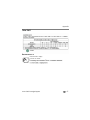
Slide show stops or ■ Adjust the camera Video Out setting NTSC or PAL (see page 34).
does not run on an ■ Make sure the external device settings are correct. (See the device’s
external video
user’s guide.)
device.
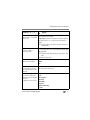
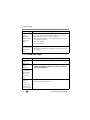
LCD screen messages
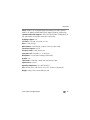
If...
Try one or more of the following
No images to
display
Memory card
requires
formatting
Memory card
cannot be read
(Please format
memory card or
insert another
card)
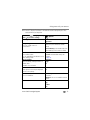
Only one USB
connection
allowed.
Disconnect cable
or rem. (remove)
camera from dock.
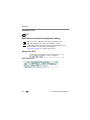
■ Change image storage location setting (see page 33).
52
■ Insert a new card (see page 4) or format the card (see page 34).
Caution: Formatting a card deletes all pictures and videos,
including protected files.
■ Unplug the USB cable from the camera.
■ Remove the camera from the dock.
www.kodak.com/go/support