1
H4_E.book 27 ページ 2006年9月1日 金曜日 午後7時56分
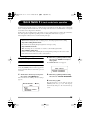
Quick Guide 2 4-track mode basic operation
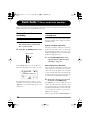
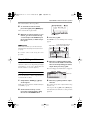
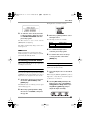
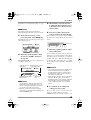
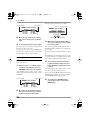
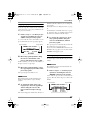
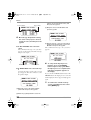
The counter returns to the zero position.
5.
To check the recorded content,
press the top (@) of the [MENU] key.
All recorded tracks are played back.
6.
When the recorded content is as you
want it, go to the 4-track mode top
screen and press the TRACK key for
the recorded track, so that the key is
lit in green.
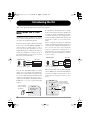
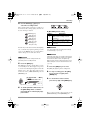
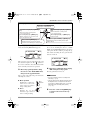
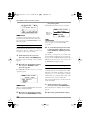
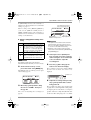
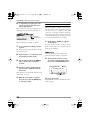
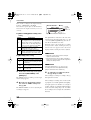
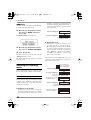
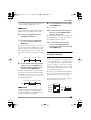
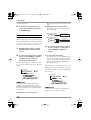
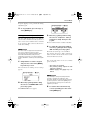
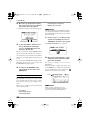
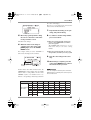
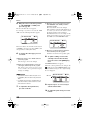
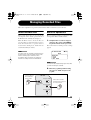
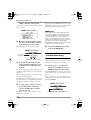
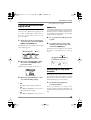
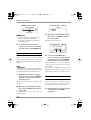
MIXER button
3.
Press the jog dial.
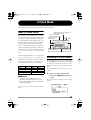
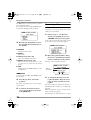
The MIXER screen for making mixer settings
appears.
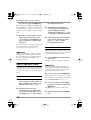
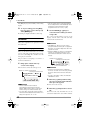
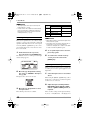
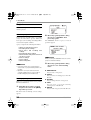
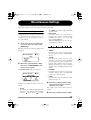
Level and panning value for
Track number track selected with cursor
HINT
If there was a mistake, you can rerecord only a
part of the track using the punch-in/out function
(→ p. 43).
Record the other tracks using the same
procedure.
Level meter for each track and panning icon
Step 4: Mixing and bounce
When all four tracks have been recorded, you can
adjust the volume level and panning (left/right
positioning) to create a two-channel mix and
write the result to a stereo file (bounce).
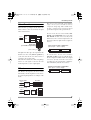
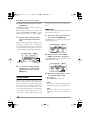
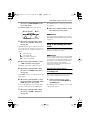
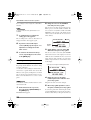
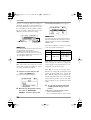
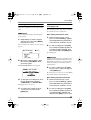
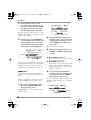
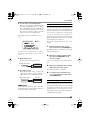
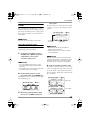
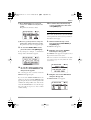
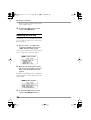
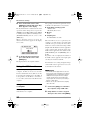
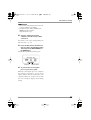
4.
Move the jog dial up/down to bring
the cursor to the number of the track
whose level and panning you want to
adjust. Then press the jog dial.
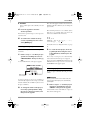
The cursor disappears and the fader icon appears.
Mixing
Fader icon
You can adjust the volume and panning for
recorded tracks as follows.
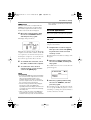
1.
Verify that the TRACK [1] – [4] keys
are lit in green.
At this stage, the metronome should normally be
set to OFF (→ p. 77).
2.
At the 4-track mode top screen,
move the jog dial up/down to bring
the cursor to the MIXER button.
ZOOM H4
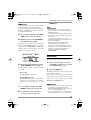
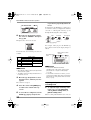
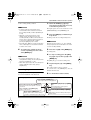
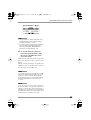
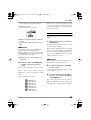
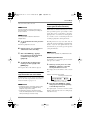
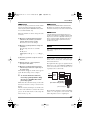
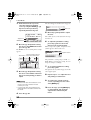
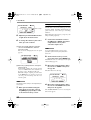
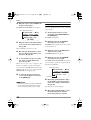
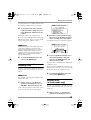
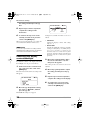
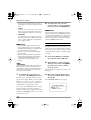
5.
Move the jog dial up/down to adjust
the level.
The volume (level) can be adjusted in the range
from 0 to 127.
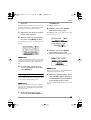
You can press the top (@) of the [MENU] key
and adjust the level while the recorder performs
playback.
27