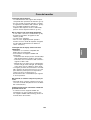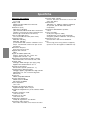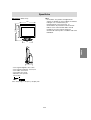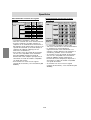
1
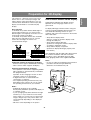
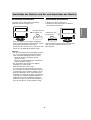
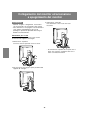
Spegnimento
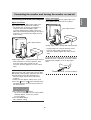
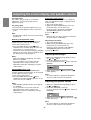
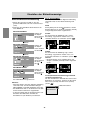
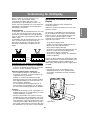
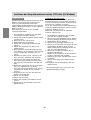
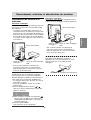
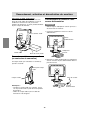
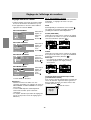
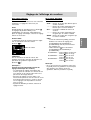
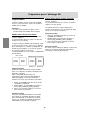
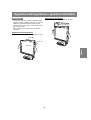
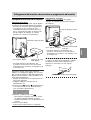
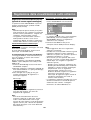
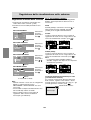
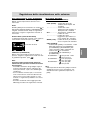
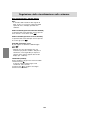
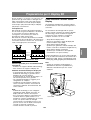
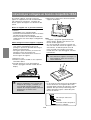
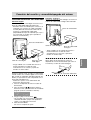
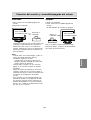
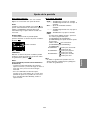
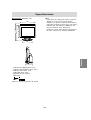
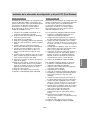
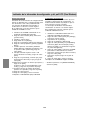
1. Premere il tasto di alimentazione del monitor.
2. Accendete il computer.
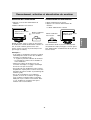
1. Spegnete il computer.
2. Premete il tasto di alimentazione del monitor.
Il LED di alimentazione si spegnerà.
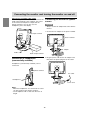
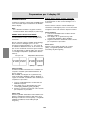
Premete il tasto di
alimentazione.
Accendete il
computer.
Spegnete il
computer.
ON
Premete il tasto di
alimentazione.
Deutsch
Accensione
English
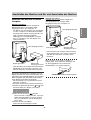
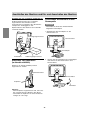
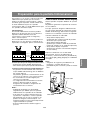
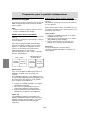
Collegamento del monitor ed accensione e spegnimento del monitor
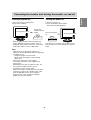
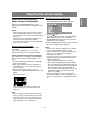
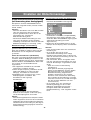
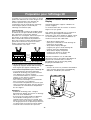
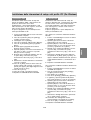
Quando in ingresso arriva un segnale dal
computer, Il LED di alimentazione si illuminerà
in verde ed appare la schermata. (Dopo
l'accensione, per la visualizzazione della
schermata bisogna attendere un piccolissimo
tempo.)
Italiano
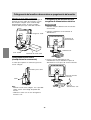
Se il monitor non verrà usato per lungo tempo,
assicuratevi di averlo scollegato dalla presa di
corrente alternata.
Français
OFF
English
Español
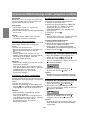
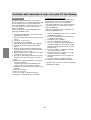
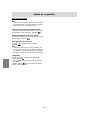
Note:
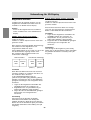
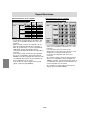
- Quando si utilizza un segnale analogico, è
necessario eseguire una regolazione
automatica dello schermo se si verifica una
delle seguenti condizioni (p.101):
- Si utilizza il monitor per la prima volta.
- Sono state modificate le impostazioni del
sistema durante l'uso.
- Quando viene usato il monitor con un
collegamento digitale, la regolazione
automatica dello schermo è inutile.
- A seconda del computer o del sistema operativo,
potrebbe essere necessario usare il computer
per installare le informazioni di setup del
monitor. (p.114)
- Quando collegate ad un notebook, se lo
schermo del computer del notebook è impostato
in modo da visualizzare contemporaneamente,
lo schermo MS-DOS potrebbe non essere in
grado di visualizzare correttamente. In questo
caso modificate le impostazioni in modo che
solo il monitor visualizzi.
99