1
Getting to know the remote control
19
English
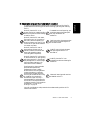
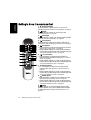
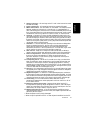
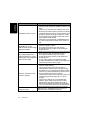
10.
Index
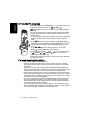
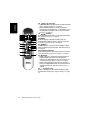
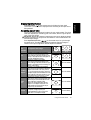
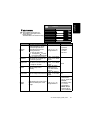
Press this button to go to the Teletext index page. See
"Using the Teletext function" on page 24.
11.
Reveal
Press this button to display any concealed Teletext
information. See "Using the Teletext function" on
page 24.
12.
Subpage
Press this button to enter the subpage of a Teletext
menu. See "Using the Teletext function" on page 24.
13.
Teletext
Press this button to turn the Teletext decoder on or
off. Page store won’t start until the Teletext decoder is
activated.See "Using the Teletext function" on page
24.
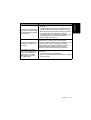
14.
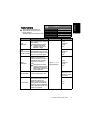
PIP
Press this button to simultaneously view signals from
two different sources on-screen. See "Using the PIP
(Picture-In-Picture) function" on page 23.
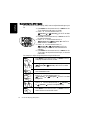
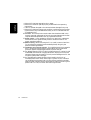
15. / / / and OK
When the OSD (On-Screen Display) menu displays
on-screen:
• Press or to select settings.
• Press or to adjust settings.
• Press OK to execute selections, or to enter a
submenu you have selected.
See "Navigating the OSD menu" on page 32.
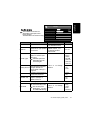
16.
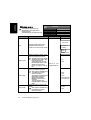
/
Freeze/Teletext freeze
• Press this button to freeze the image on the screen.
Press the button again to resume viewing in real
time. See "Using the freeze function" on page 22.
• When Teletext displays on-screen, press this button
to freeze Teletext messages. Press it again to restore
normal update. See "Using the Teletext function"
on page 24.
17.
/
Aspect/Teletext size
• Press this button to adjust the screen image aspect
ratio. See "Adjusting aspect ratio" on page 25.
• When Teletext displays on-screen, press this button
to enlarge Teletext size. Press it again to resume
normal size. See "Using the Teletext function" on
page 24.