1
Scanning from PaperPort
Scanning with the ISIS Interface
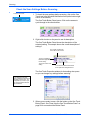
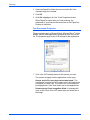
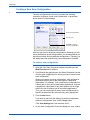
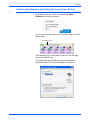
The ISIS interface for scanning opens when you scan with a One
Touch button that has Configure Before Scan set as the
Configuration, and ISIS selected as the interface to use.
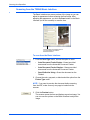
ISIS is selected by right-clicking on the Configure Before Scan
configuration and selecting it from the menu.
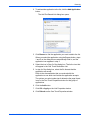
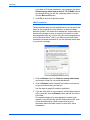
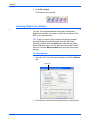
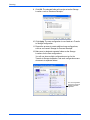
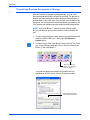
Right-click on
Configure Before Scan
to get the menu, and
choose ISIS to use it as
the interface to
configure before scan.
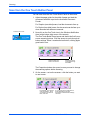
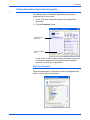
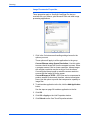
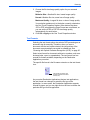
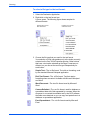
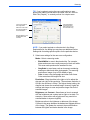
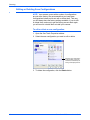
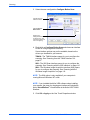
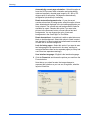
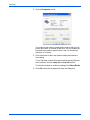
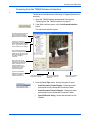
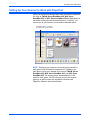
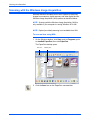
When you press the button to scan, the One Touch ISIS Scan
window opens. Use this window to select scanning options and
start scanning.
Click a button
to choose the
type of scan.
Click Define to
change the
scan settings
for the selected
button.
Click Preview
One to see
what the first
scanned page
looks like so
you’ll know
which scan
settings to
adjust.
116
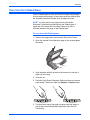
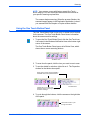
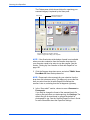
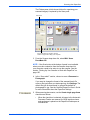
Click Scan All when you’re ready to scan
all the pages. Remember to put the
preview page back onto the stack so it
gets scanned with the new settings too.
DocuMate 632 Scanner User’s Guide