1
Scanning with the TWAIN Interface
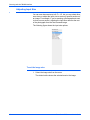
The Two TWAIN Interface Options
When scanning with TWAIN, you have two interface options:
•
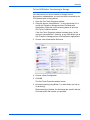
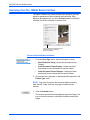
Basic Interface—Use the Basic Interface if you don’t need to
make many adjustments to the image before scanning. You
can adjust brightness, contrast, resolution, page size, and
picture type. You can also choose to scan from the ADF or
Flatbed. See “Scanning from the TWAIN Basic Interface” on
page 84.
•
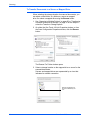
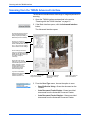
Advanced Interface—The Advanced Interface includes all the
settings of the Basic Interface, plus a wide range of more
advanced settings, such as color saturation, gamma, and hue.
See “Scanning from the TWAIN Advanced Interface” on
page 86.
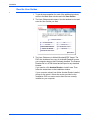
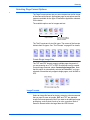
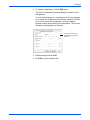
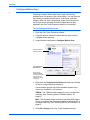
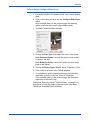
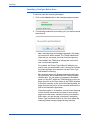
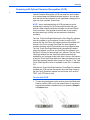
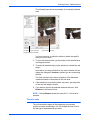
The Basic Interface has the settings
for scanning typical documents.
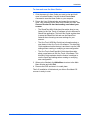
The Advanced Interface has all the
scan settings of the Basic Interface,
plus a range of additional settings for
more advanced image adjustment.
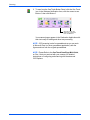
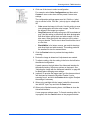
To switch between the Basic and Advanced Interfaces, click the
Basic Interface or Advanced Interface button.
NOTE: When scanning from a TWAIN application, the interface
that opens is the one you used previously to scan.
DocuMate 632 Scanner User’s Guide
83