1
Deutsch
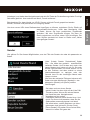
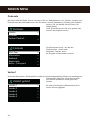
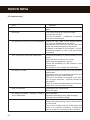
Network profile
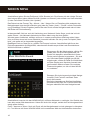
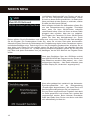
NOXON NOVA remembers the last four wireless networks it has connected to, and automatically
tries to connect to whichever one of them it can find.
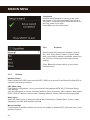
From here you can see the list of registered networks. You can delete unwanted networks by
turning and pressing OK or press reel then choosing YES to confirm delete.
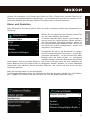
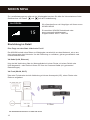
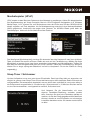
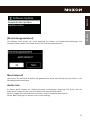
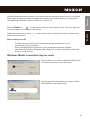
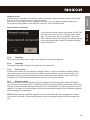
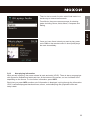
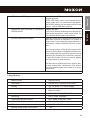
If you choose to keep network connected, the WiFi will
not disconnect even you are in standby mode. Otherwise, the connection will only available. This option
allows NOXON NOVA to be ready for DLNA streaming
in any operating modes. Details for DLNA streaming,
refer to Section 5.5.
5.2.4Time/Date
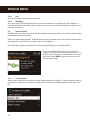
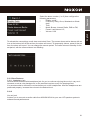
Set the time manually or auto update, time format, time zone and daylight.
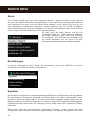
5.2.5Language
The default language is English.Change it as your preference.
5.2.6
Factory reset
A factory reset resets all user settings to default values, so that time and date, network configuration and presets are lost. However, the NOVA‘s current software version is maintained, as is
registration with the Internet radio portal. Internet radio favourites therefore remain unless you
re-register your NOXON NOVA with another account on the portal website.
5.2.7
Software update
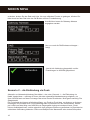
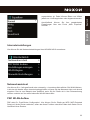
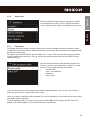
From time to time, software upgrades may be created with bug fixes and/or additional features.
You can either check manually or set NOXON NOVA to check periodically automatically (this is the
default). If newer available software is detected, you will be asked if you want to go ahead with an
update. If you agree, the new software is then downloaded and installed. After a software upgrade,
all user settings are maintained.
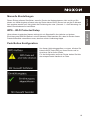
NOTE: Before starting a software upgrade, ensure that NOXON NOVA is plugged into a stable
main power connection. Disconnecting power during an upgrade may permanently damage the
unit.
51
English
Keep network connected