1
Shooting Functions >
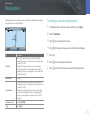
Flash
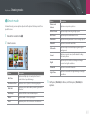
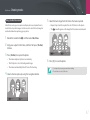
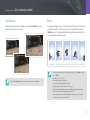
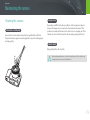
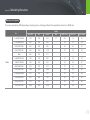
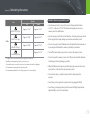
Reducing the red-eye effect
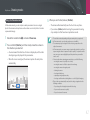
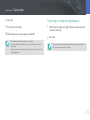
Adjusting the flash intensity
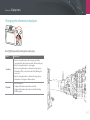
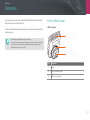
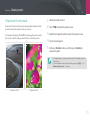
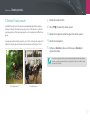
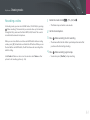
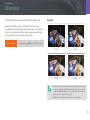
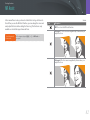
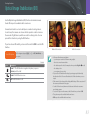
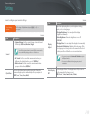
If the flash fires when you capture a photo of a person in the dark, a red
glow may appear in the eyes. To reduce the red-eye effect, select Auto
Red-eye or Fill-in Red.
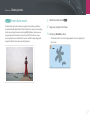
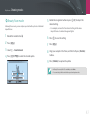
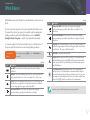
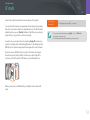
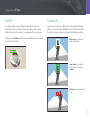
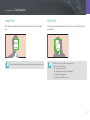
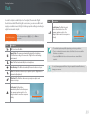
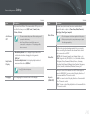
When the flash is on, adjust the flash intensity ±2 levels.
To set the flash
intensity,
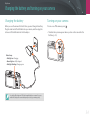
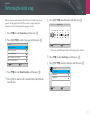
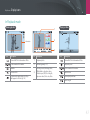
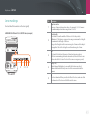
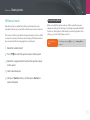
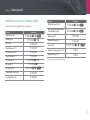
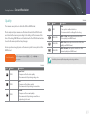
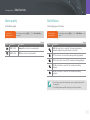
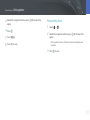
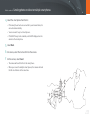
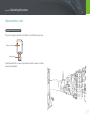
In Shooting mode, select [m] → b → Flash → an option
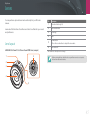
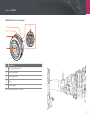
→ [D] → Rotate the navigation button or press [C/F] to
adjust the flash intensity.
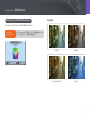
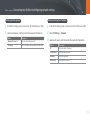
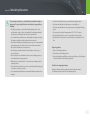
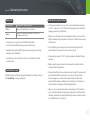
Flash : Fill in
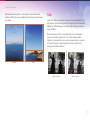
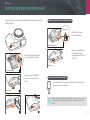
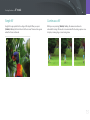
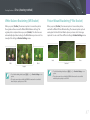
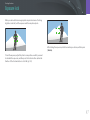
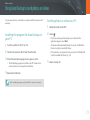
Without red-eye reduction
With red-eye reduction
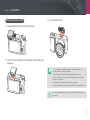
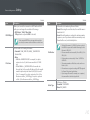
If the subject is too far from the camera or moves when the first flash fires, redeyes may not be reduced.
Back
Reset
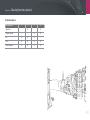
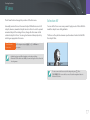
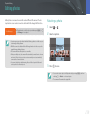
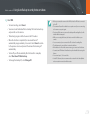
• Adjusting the flash intensity may not be effective when:
-- the subject is too close to the camera
-- you set a high ISO sensitivity
-- the exposure value is too big or too small
-- it is too bright or too dark
• In some shooting modes, you cannot use this function.
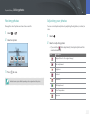
• If you attach an intensity-adjustable external flash to the camera, the intensity
settings of the flash will be applied.
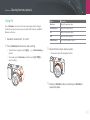
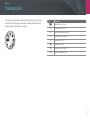
• If the subject is too close when you use the flash, some light may be blocked,
resulting in a dark photo. Ensure that the subject is within the recommended
range, which varies by lens.
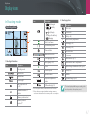
• When a lens hood is attached, the light from the flash can be blocked by the
hood. Remove the hood to use the flash.
90