1
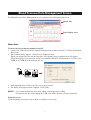
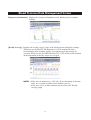
Walking Data Management Screen
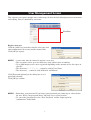
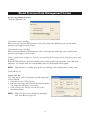
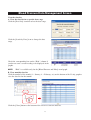
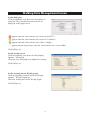
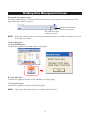
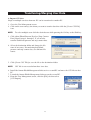
Set the daily goal
Click the [Options] icon, then enter the numbers as
instructed. The goal and achievement levels are
displayed on the graph screen.
appears when the achievement level is between 0 and 75%.
appears when the achievement level is between 76 and 99%.
appears when the achievement level is 100% or higher.
∞ appears instead of percentage when the achievement level exceeds 1000%.
Click [OK] to set.
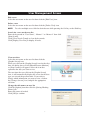
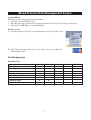
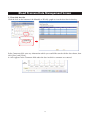
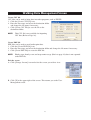
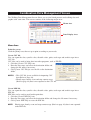
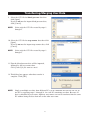
Set the startup screen
Click the [Options] icon, then select the [Display
Options – Startup] tab.
Check the view and graph to be displayed at startup.
Click [OK] to set.
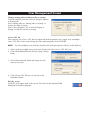
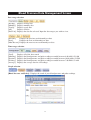
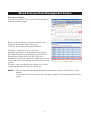
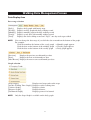
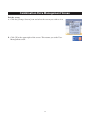
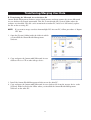
Set the starting date on Weekly graph
Click the [Options] icon then select the [Display
Options – Weekly Graph] tab.
Check the starting date for the Weekly Graph.
Click [OK] to set.
19