1
Printing from PC > Status Monitor
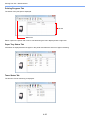
Alert Tab
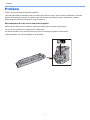
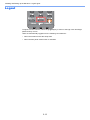
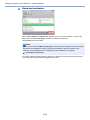
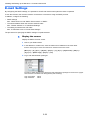
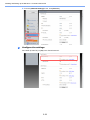
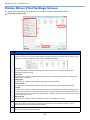
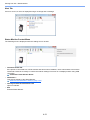
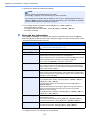
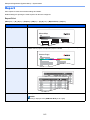
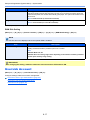
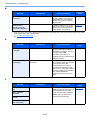
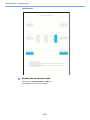
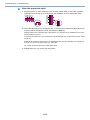
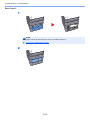
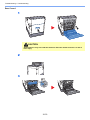
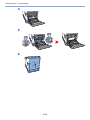
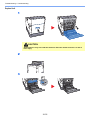
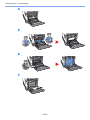
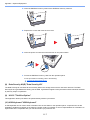
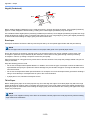
If an error occurs, a notice is displayed using a 3D image and a message.
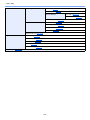
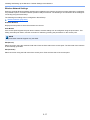
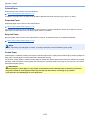
Status Monitor Context Menu
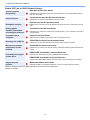
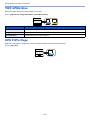
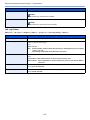
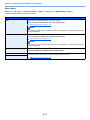
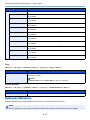
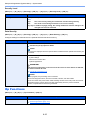
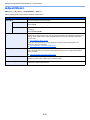
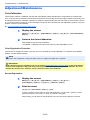
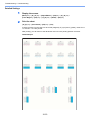
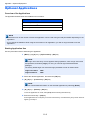
The following menu is displayed when the settings icon is clicked.
•
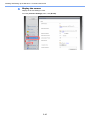
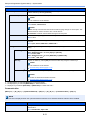
Command Center RX
If the printer is connected to a TCP/IP network and has its own IP address, use a web browser to access the
Command Center RX to modify or confirm the network settings.This menu is not displayed when using USB
connection.
Command Center RX User Guide
•
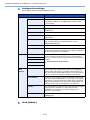
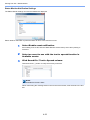
Notification…
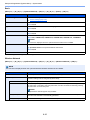
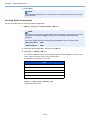
This sets the display of the Status Monitor.
Status Monitor Notification Settings (page 4-22)
•
www.kyoceradocumentsolutions.com
Open our website.
•
Exit
Exits the Status Monitor.
4-21