1
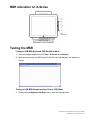
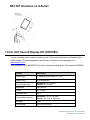
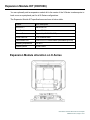
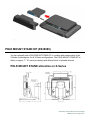
MSR allocation on X-Series
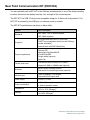
Testing the MSR
Testing in USB MSR Keyboard (KB) Emulation Mode
1. Open the Notepad application (click Start > Accessories > Notepad).
2. Slide the card through the MSR and verify that the data is displayed in the application
window.
Testing in USB MSR Human Interface Device (HID) Mode
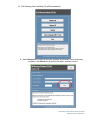
1. Double-click the MagSwipe HID Demo icon to start the test application.
User Manual: X-Series Rev A AiO Touchcomputer
SW602213 Rev A, Page 32 of 51