1
Throughout this manual, features and appearance may vary from your model.
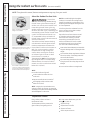
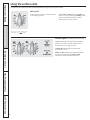
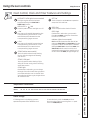
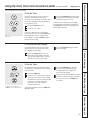
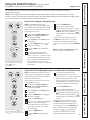
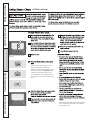
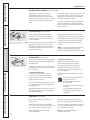
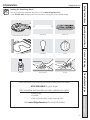
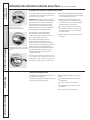
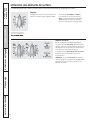
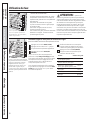
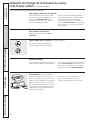
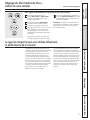
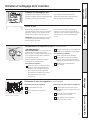
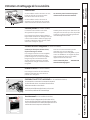
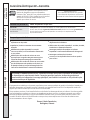
How to Set
Push the knob in and turn in either direction
to the setting you want.
Operating Instructions
Safety Instructions
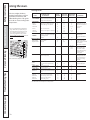
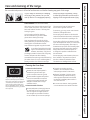
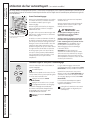
Using the surface units.
Be sure you turn the control knob
to OFF when you
cooking.
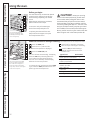
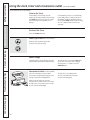
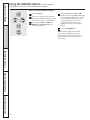
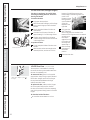
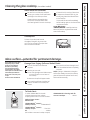
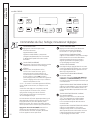
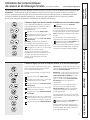
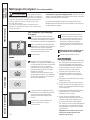
Indicator Lights (on radiant glass models only)
A Hot indicator light will glow when any radiant
element is turned on, and will remain on until
the surface is cool enough to touch.
Care and Cleaning
A Burner On indicator light will glow when
any surface unit is on.
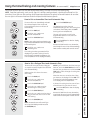
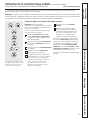
NOTE: The Hot indicator light may glow between
the surface control settings of Min and OFF,
but there is no power to the surface units.
Troubleshooting Tips
Consumer Support
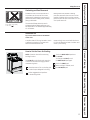
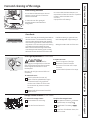
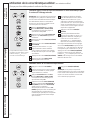
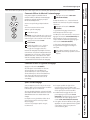
At both OFF and Max the control clicks into
position. You may hear slight clicking sounds
during cooking, indicating the control is
keeping the power level you set.
8