1
Related Document
This Installation Guide is also available in PDF on our website. To obtain the latest
documentation and product information, please visit the official website:
http://www.tp-link.com
About this Installation Guide
This Installation Guide describes the hardware characteristics, installation methods
and the points that should be attended to during the installation. This Installation
Guide is structured as follows:
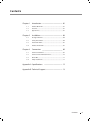
Chapter 1 Introduction. This chapter describes the features and external
components of RPS150 and the appearance of RPS2.
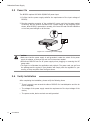
Chapter 2 Installation. This chapter illustrates how to install RPS150.
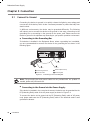
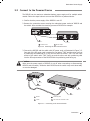
Chapter 3 Connection. This chapter illustrates how to do the physical
connection of RPS150.
Appendix A Specifications.
Appendix B Technical Support.
Audience
This Installation Guide is for:
Network Engineer
Network Administrator
Conventions
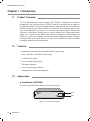
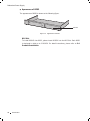
This Installation Guide is shared by RPS150 and RPS2, considering RPS2 is just
a rackmoutable shelf, this Installation Guide will only introduce its appearance
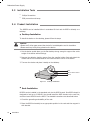
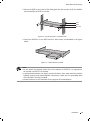
in section 1.3 Appearance and installation method in section 2.4 Product
Installation, for other parts of the Installation Guide, they are all applicable to
RPS150.
This Installation Guide uses the specific formats to highlight special messages.
The following table lists the notice icons that are used throughout this guide.
Remind to be careful. A caution indicates a potential which may result in
device damage.
Remind to take notice. The note contains the helpful information for a
better use of the product.
II
Related Document