1
QUICK START GUIDE
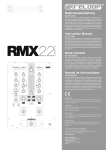
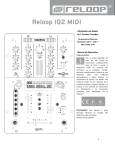
MIXER SECTION
SAMPLER VOLUME
Controls the master volume of your
sampler section.
MASTER
Controls the master volume to your
main sound system.
8
2
PHONES
Controls your headphones volume.
9
LINEFADERS
Controls your channel volume.
3
CUE MIX
Mixes the headphones CUE signal
between your selected channel and the
master output.
10
CROSSFADER
Enables you to fade between your
decks.
11
4
TRAX SELECT
Use the trax select encoder to navigate
through your song library.
GAIN
Fine adjust the input volume for each
deck.
1
12
5
TRACK LOAD
Press 1 - 4 to load tracks on either
channel.
6
FADER-START
Press SHIFT + track load 1 - 4 to enable
and launch a track using your linefader.
7
BACK
Moves you back one step in your track
menu.
EQ
Tweak the high, mid or low frequencies
when mixing your track.
11
1
2
12
3
4
5
6
7
8
9
10
2
ENGLISH
Version 1.1