1
User’s Manual of IGS-10020PT / IGS-10020HPT
4.12.7 Port Security Detail
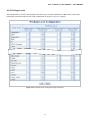
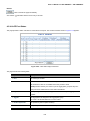
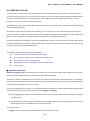
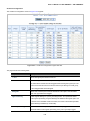
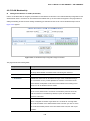
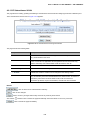
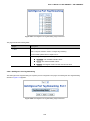
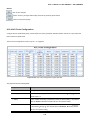
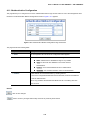
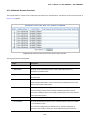
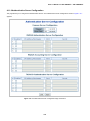
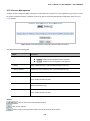
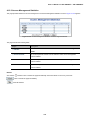
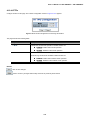
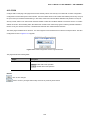
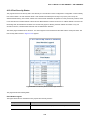
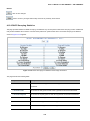
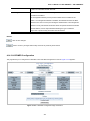
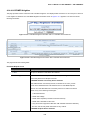
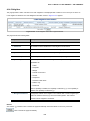
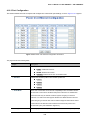
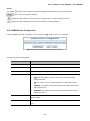
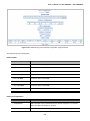
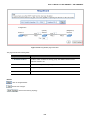
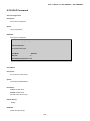
This page shows the MAC addresses secured by the Port Security module. Port Security is a module with no direct
configuration. Configuration comes indirectly from other modules - the user modules. When a user module has enabled port
security on a port, the port is set-up for software-based learning. In this mode, frames from unknown MAC addresses are
passed on to the port security module, which in turn asks all user modules whether to allow this new MAC address to forward or
block it. For a MAC address to be set in the forwarding state, all enabled user modules must unanimously agree on allowing the
MAC address to forward. If only one chooses to block it, it will be blocked until that user module decides otherwise. The Port
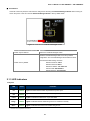
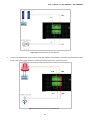
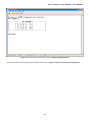
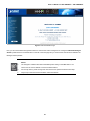
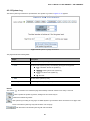
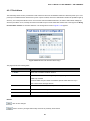
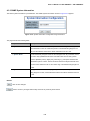
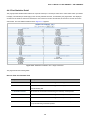
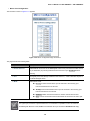
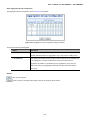
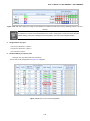
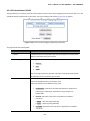
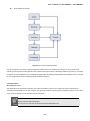
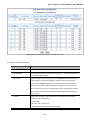
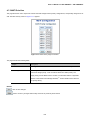
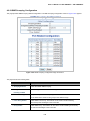
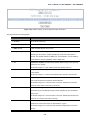
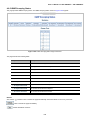
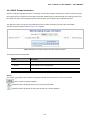
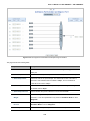
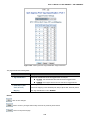
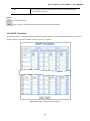
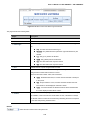
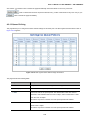
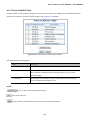
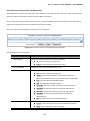
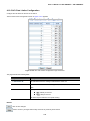
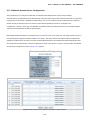
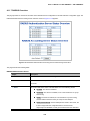
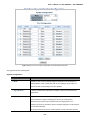
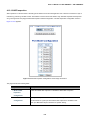
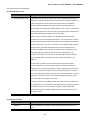
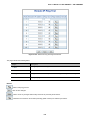
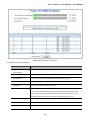
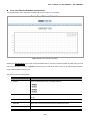
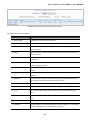
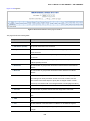
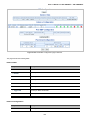
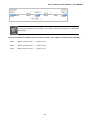
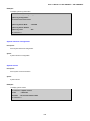
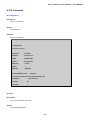
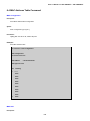
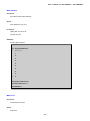
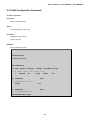
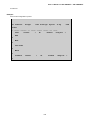
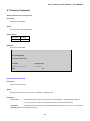
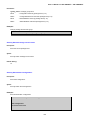
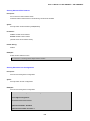
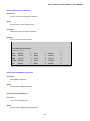
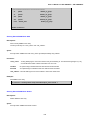
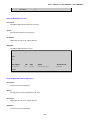
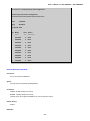
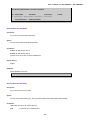
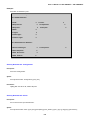
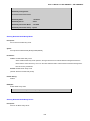
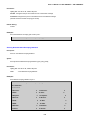
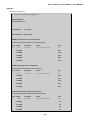
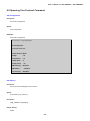
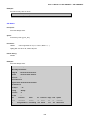
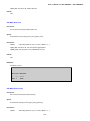
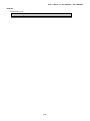
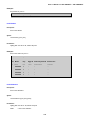
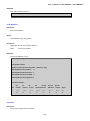
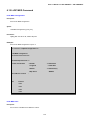
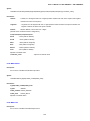
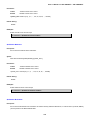
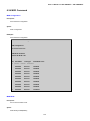
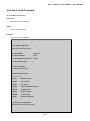
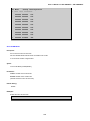
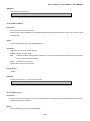
Security Detail screen in Figure 4-12-7 appears.
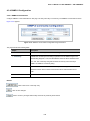
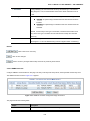
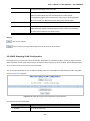
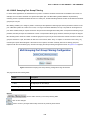
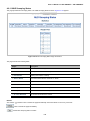
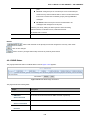
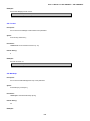
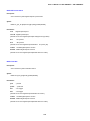
Figure 4-12-7: Port Security Detail Screen Page Screenshot
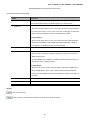
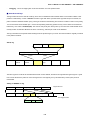
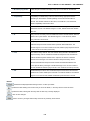
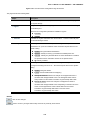
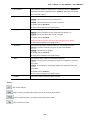
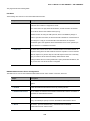
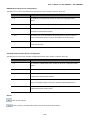
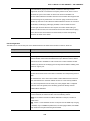
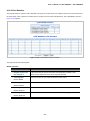
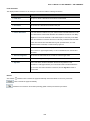
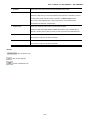
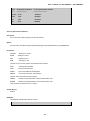
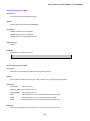
The page includes the following fields:
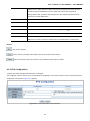
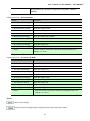
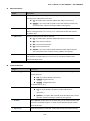
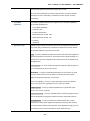
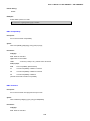
Object
Description
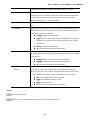
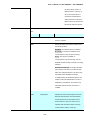
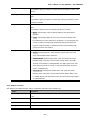
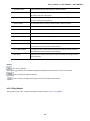
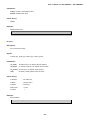
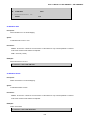
• MAC Address & VLAN
The MAC address and VLAN ID that is seen on this port. If no MAC addresses
ID
are learned, a single row stating "No MAC addresses attached" is displayed.
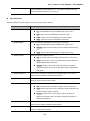
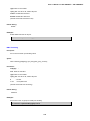
• State
Indicates whether the corresponding MAC address is blocked or forwarding. In
the blocked state, it will not be allowed to transmit or receive traffic.
• Time of Addition
Shows the date and time when this MAC address was first seen on the port.
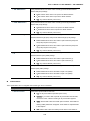
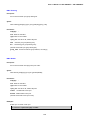
• Age/Hold
If at least one user module has decided to block this MAC address, it will stay in
the blocked state until the hold time (measured in seconds) expires. If all user
modules have decided to allow this MAC address to forward, and aging is
enabled, the Port Security module will periodically check that this MAC address
still forwards traffic. If the age period (measured in seconds) expires and no
frames have been seen, the MAC address will be removed from the MAC table.
Otherwise a new age period will begin.
If aging is disabled or a user module has decided to hold the MAC address
indefinitely, a dash (-) will be shown.
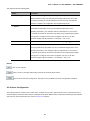
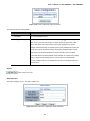
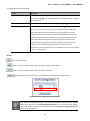
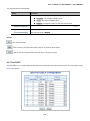
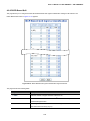
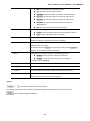
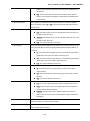
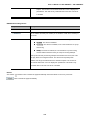
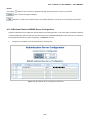
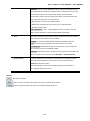
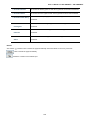
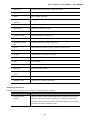
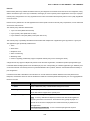
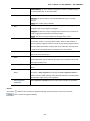
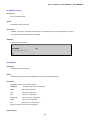
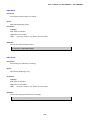
Buttons
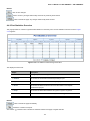
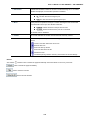
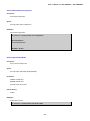
Auto-refresh
: Check this box to refresh the page automatically. Automatic refresh occurs every 3 seconds.
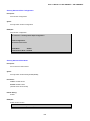
: Click to refresh the page immediately.
294