1
Removing the Memory
Module(s)
WARNING: Before working inside your computer, read the
safety information that shipped with your computer and
follow the steps in Before Working Inside Your Computer.
After working inside your computer, follow the instructions
in After Working Inside Your Computer. For more safety best
practices, see the Regulatory Compliance home page at
dell.com/regulatory_compliance.
Prerequisites
1
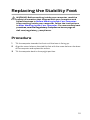
Remove the stability foot.
2
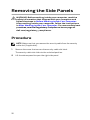
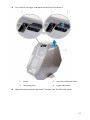
Remove both the left and right side-panels. See “Removing the Side
Panels”.
Procedure
1
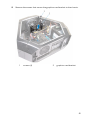
Lay the computer on the left side.
2
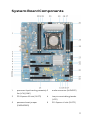
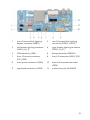
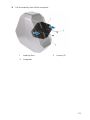
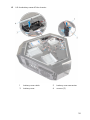
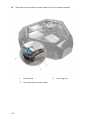
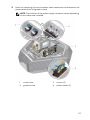
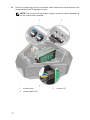
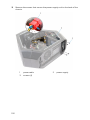
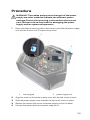
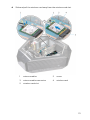
Locate the memory modules on the system board. For more information
on the memory modules see “System-Board Components”.
3
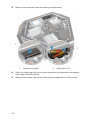
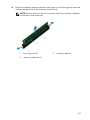
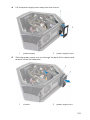
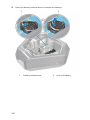
Push the securing clips away from the memory module.
62