1
Wireless network >
4
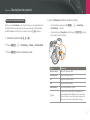
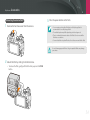
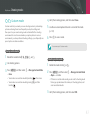
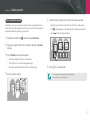
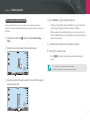
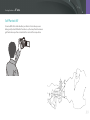
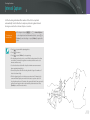
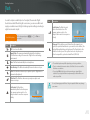
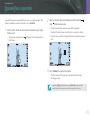
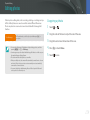
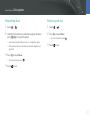
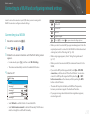
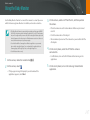
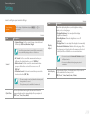
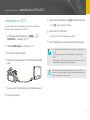
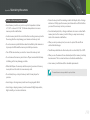
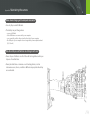
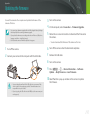
Saving files to a smart phone automatically
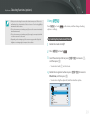
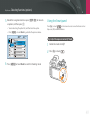
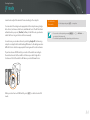
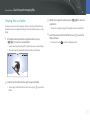
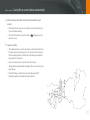
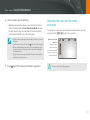
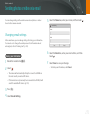
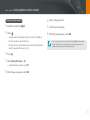
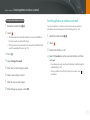
On the camera, allow the smart phone to connect to your
camera.
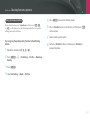
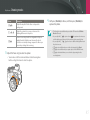
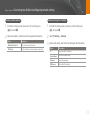
• If the smart phone has been connected to your camera before, it is
connected automatically.
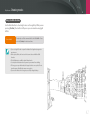
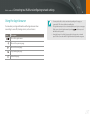
• An icon that shows the connection status (
) will appear on the
camera’s screen.
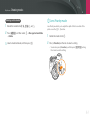
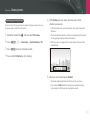
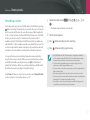
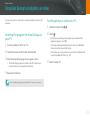
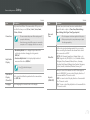
5
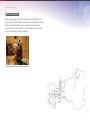
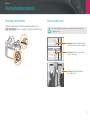
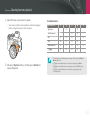
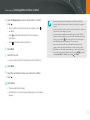
Capture a photo.
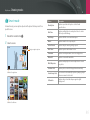
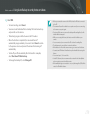
• The captured photo is saved to the camera, and then transferred to
the smart phone. If a memory card is not inserted or the memory is
full, the captured photo is transferred to the smart phone without
being saved to the camera.
• If you recorded a video, it is saved only to the camera.
• The image file captured while recording a video is not saved on the
smart phone.
• If the GPS feature is activated on the smart phone, the GPS
information will be saved with the captured photo.
142