1
My Camera >
Shooting modes
S Shutter Priority mode
1
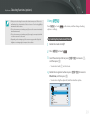
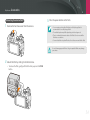
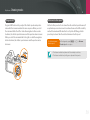
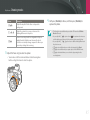
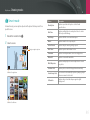
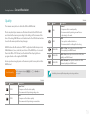
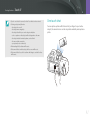
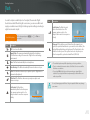
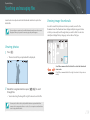
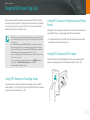
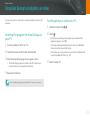
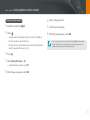
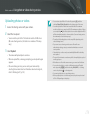
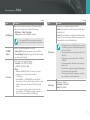
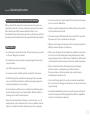
Rotate the mode dial to S.
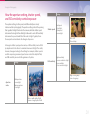
In Shutter Priority mode, the camera automatically adjusts the aperture
value according to the shutter speed you choose. This mode is useful for
capturing photos of fast-moving subjects or for creating tracer effects in a
photo.
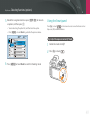
2
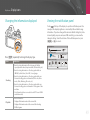
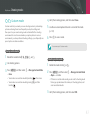
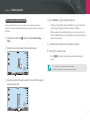
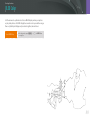
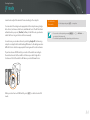
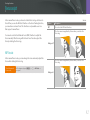
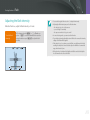
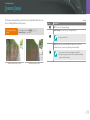
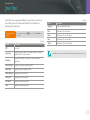
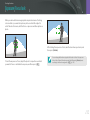
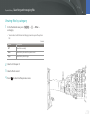
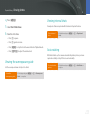
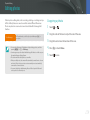
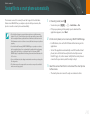
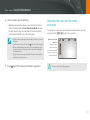
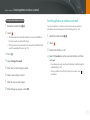
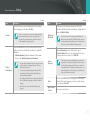
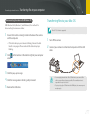
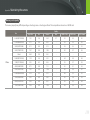
Scroll the command dial or rotate the navigation button to
adjust the shutter speed.
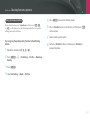
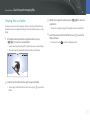
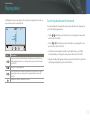
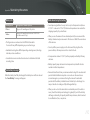
• You can also adjust the shutter speed by pressing [f], moving to
the shutter speed, and then scrolling the command dial or dragging
the screen.
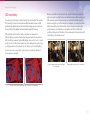
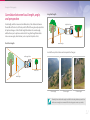
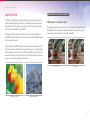
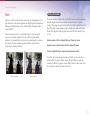
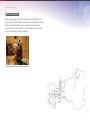
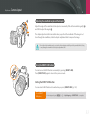
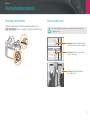
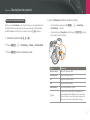
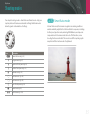
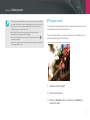
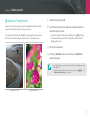
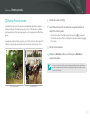
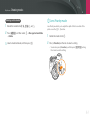
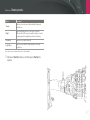
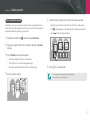
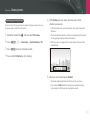
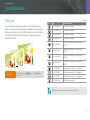
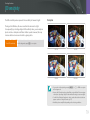
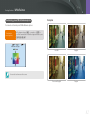
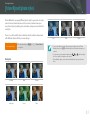
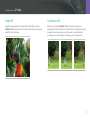
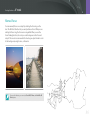
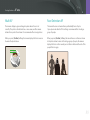
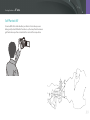
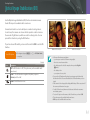
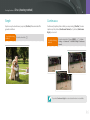
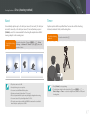
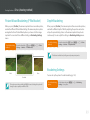
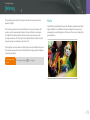
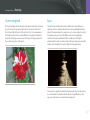
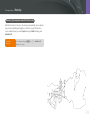
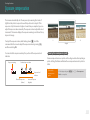
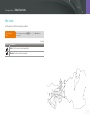
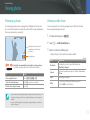
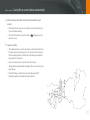
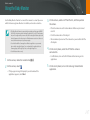
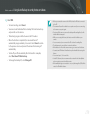
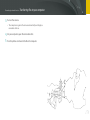
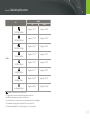
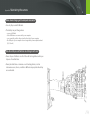
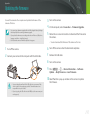
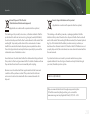
For example, set the shutter speed to over 1/500 s to freeze the subject. To
make the subject appear blurred set the shutter speed to below 1/30 s.
3
Set the desired options.
4
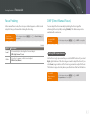
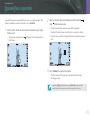
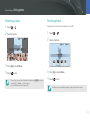
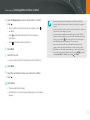
Half-press [Shutter] to focus, and then press [Shutter] to
capture the photo.
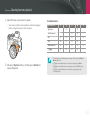
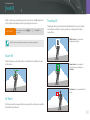
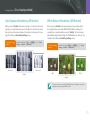
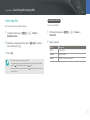
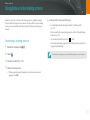
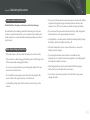
In order to compensate for the reduced amount of light allowed by fast shutter
speeds, open the aperture and let in more light. If your photos are still too dark,
increase the ISO value.
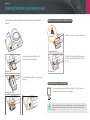
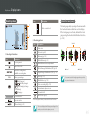
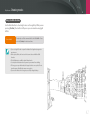
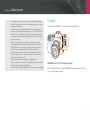
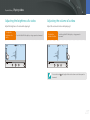
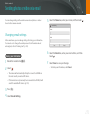
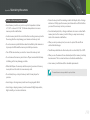
Slow shutter speed
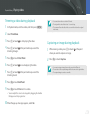
Fast shutter speed
60